Web Interface
© 2018 ACTIA I+ME GmbH │ Ref. IR:14938 44 / 92
The Web Interface homepage is opened
12.2 Homepage
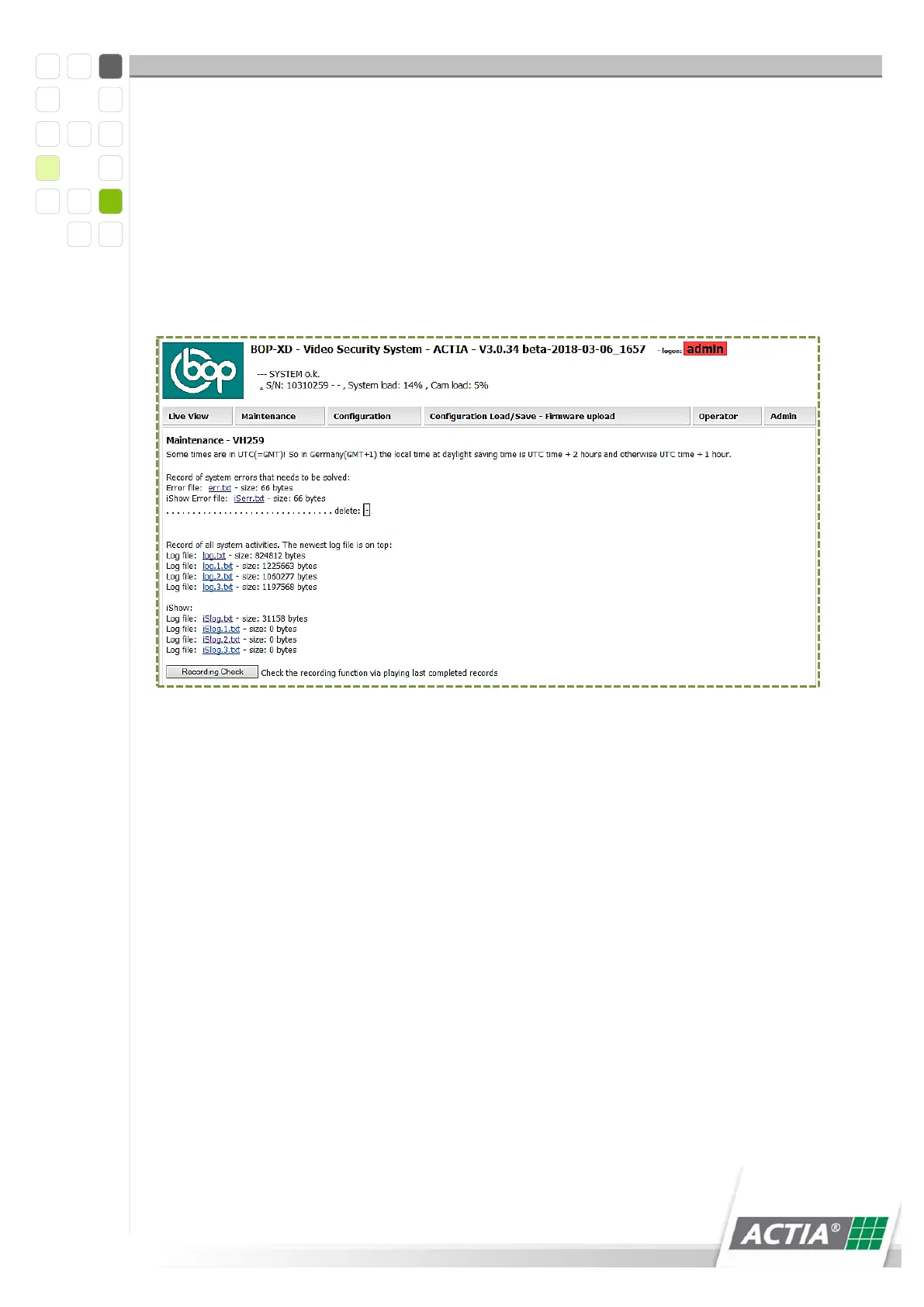
After logging in, the [Maintenance] tab opens as the start page. On the homepage,
you can find the following information:
Figure 5) Start page
Firmware version
Status information
System starts > BOP xD is activated
System OK > BOP xD is ready, no messages
Maintenance > the error file is displayed
Alarm > alarm date available
Camera error > one or more cameras have experienced a malfunction
GPS coordinates > only if a GPS receiver is connected
BOP xD serial number



 To Next Page