Web Interface
© 2018 ACTIA I+ME GmbH │ Ref. IR:14938 46 / 92
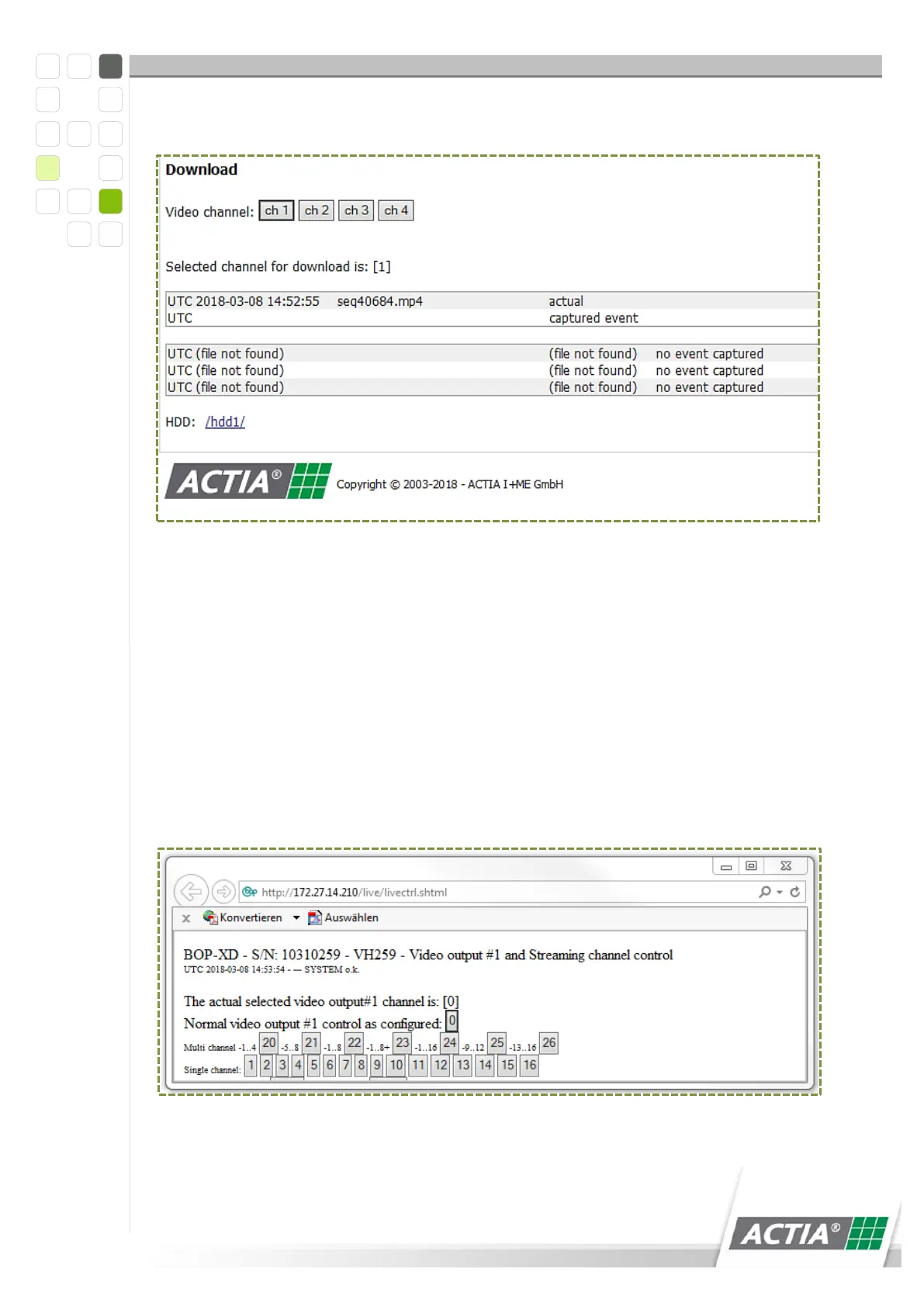
The [Download] button shows a list of the most recent videos.
Figure 7) Download
The cameras can be controlled individually and secured over a loop in the [Live
Images] user interface. If the cameras are logged as red, a blue screen is displayed.
12.3.1 Camera Control
1 Click on Vout#1 control
2 A pop up window appears
3 Switch between multi and single channel.
4 Select cameras.
Figure 8) Camera control



 To Next Page