Web Interface
© 2018 ACTIA I+ME GmbH │ Ref. IR:14938 77 / 92
1 Click on [Browse]
2 Select the desired firmware file.
3 Click on [->BOP xD] or [->BOP xD + restart]
4 Wait until the firmware update has been performed
The file name of a firmware file looks something like jiimg-VSS4-2-5-91en
jimg Image file
VSS4 Video Surveillance System 4
Firmware version
[en] stands for a country or a customer code
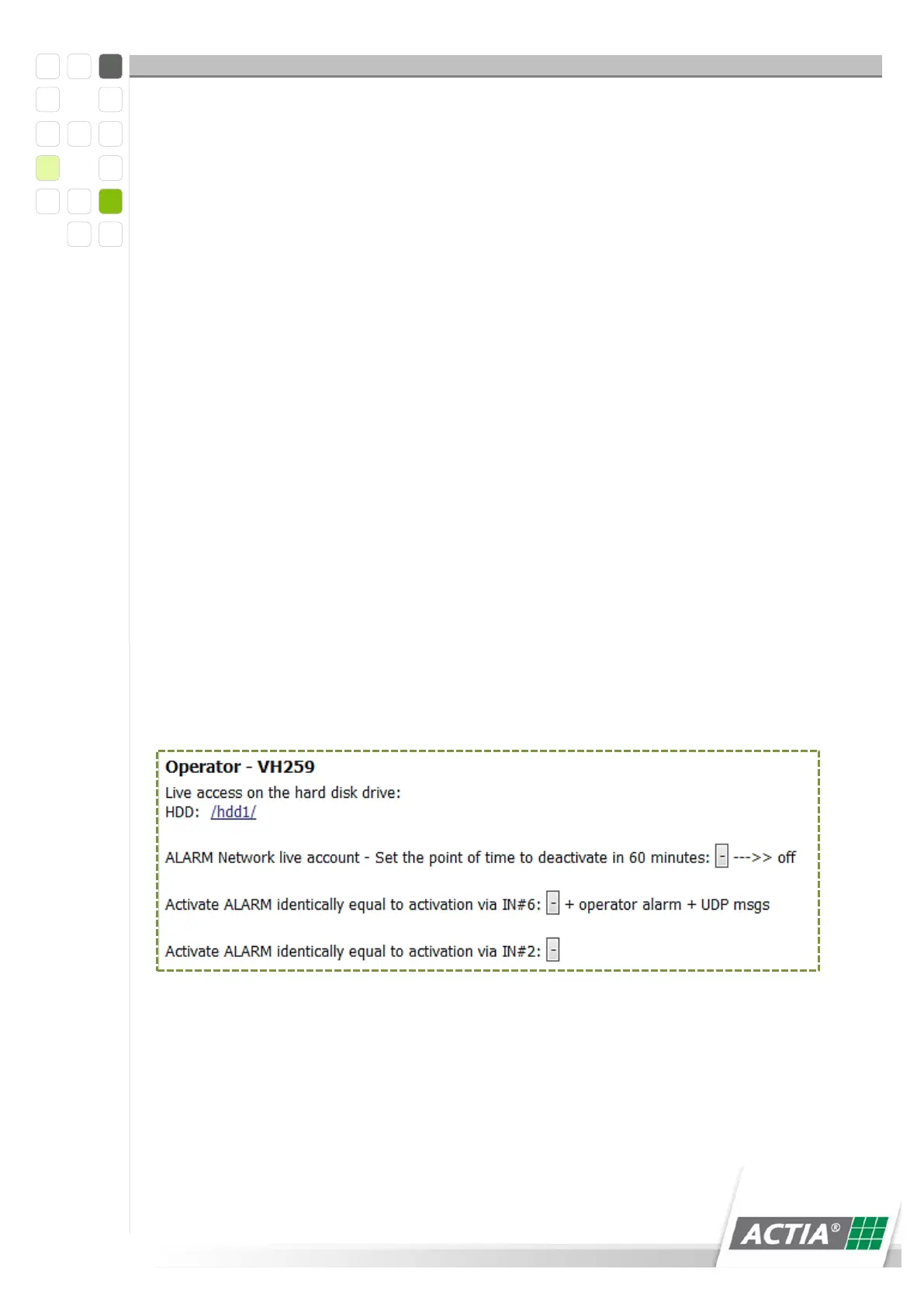
12.2 Operator
The operator makes live access to the hard drive possible. The hard drive can be
deleted and reformatted. All old data is deleted after a system restart. The operator
has access to the alarm files and he can delete, resequencing and disable files.
The operator can use a USB stick as authentication for downloading passenger count
data.
Figure 32) Alarm files
12.2.1 Test Mode
1 Switch on the device
2 Wait for a moment
3 Flip the key switch to “OFF”



 To Next Page