Web Interface
© 2018 ACTIA I+ME GmbH │ Ref. IR:14938 47 / 92
The current version of VLC player can be downloaded from
www.videolan.org/vlc
The web browser must be set such that the access to BOP XD does not
happen over a proxy.
12.4 Maintenance
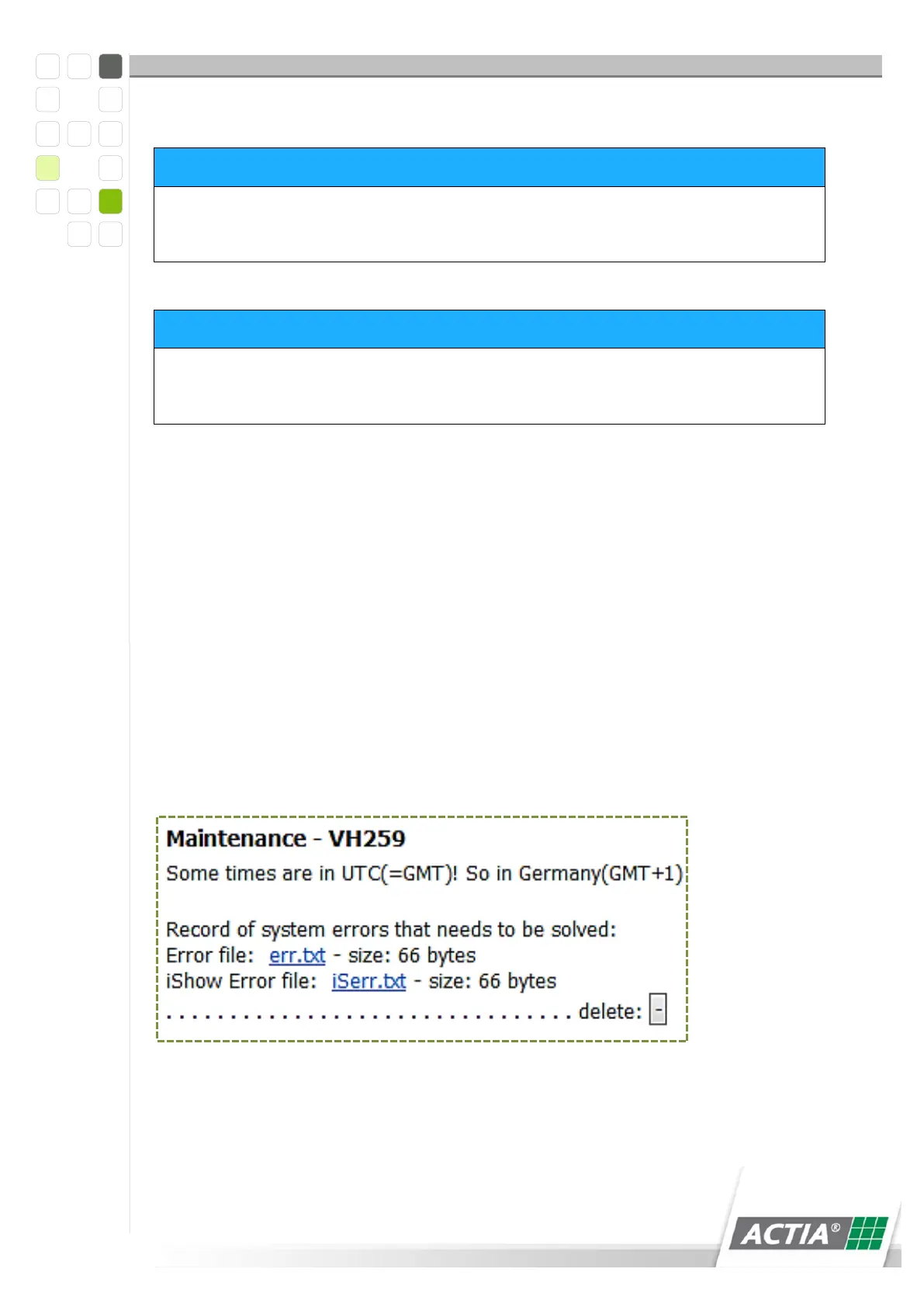
Error messages are shown in the [MAINTENANCE] page. All events that have led to a
data recording failure are logged in the error file. When an entry is written to the file,
it is indicated on the homepage with a highlighted <MAINTENANCE> NOTICE. The
malfunctioning cameras are shown in the [Maintenance] area.
12.4.1 Opening the Error File
1 Open the [MAINTENANCE] page
2 Click on the >err.txt< entry
3 The error file opens
Figure 9) Maintenance err.txt



 To Next Page