Web Interface
© 2018 ACTIA I+ME GmbH │ Ref. IR:14938 43 / 92
12 Web Interface
This description is based on Firmware Version V3.0.25.
12.1 Initial Steps / Entering the Password
1 Connect the BOP xD Ethernet interface with a PC.
2 Switch BOP on
3 Wait until the system starts up
4 Open the browser
5 Go to BOP’s IP address
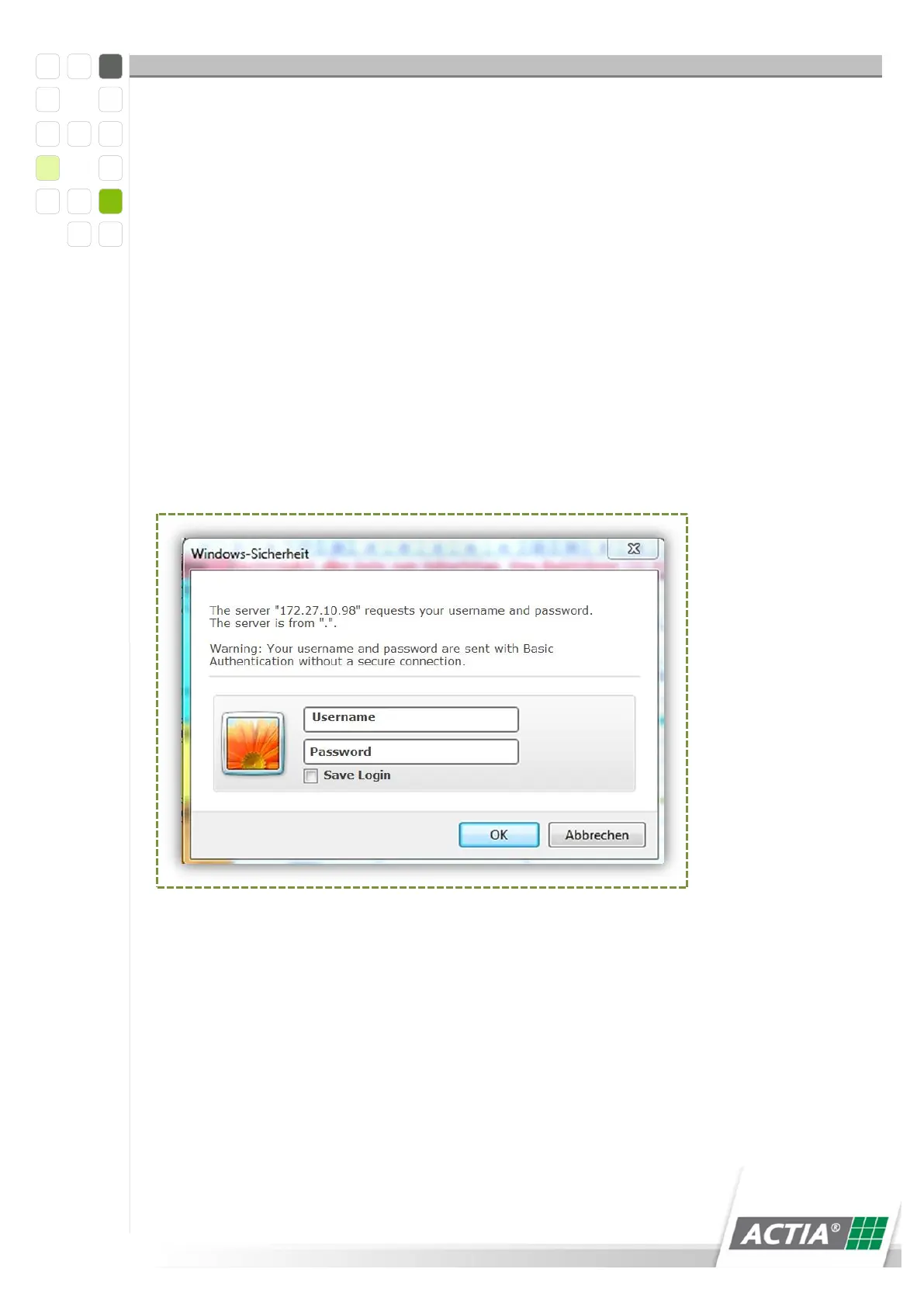
Figure 4) Web Interface Login Screen
6 Enter your username and password in the authentication screen
7 Confirm with OK



 To Next Page