Vehicle Diagnostics
4 – 16 • • • • • • • • • • • • • • • • • • • • • • • • • • • • • • • • • • • • • • • • • • • • • • • • • • • • • • • •
4
4
Custom List Select
✓ The Custom Data List allows certain PIDs from the View Entire Data
List, such as those PIDs that apply to a specific driveability symptom
or system, to be selected.
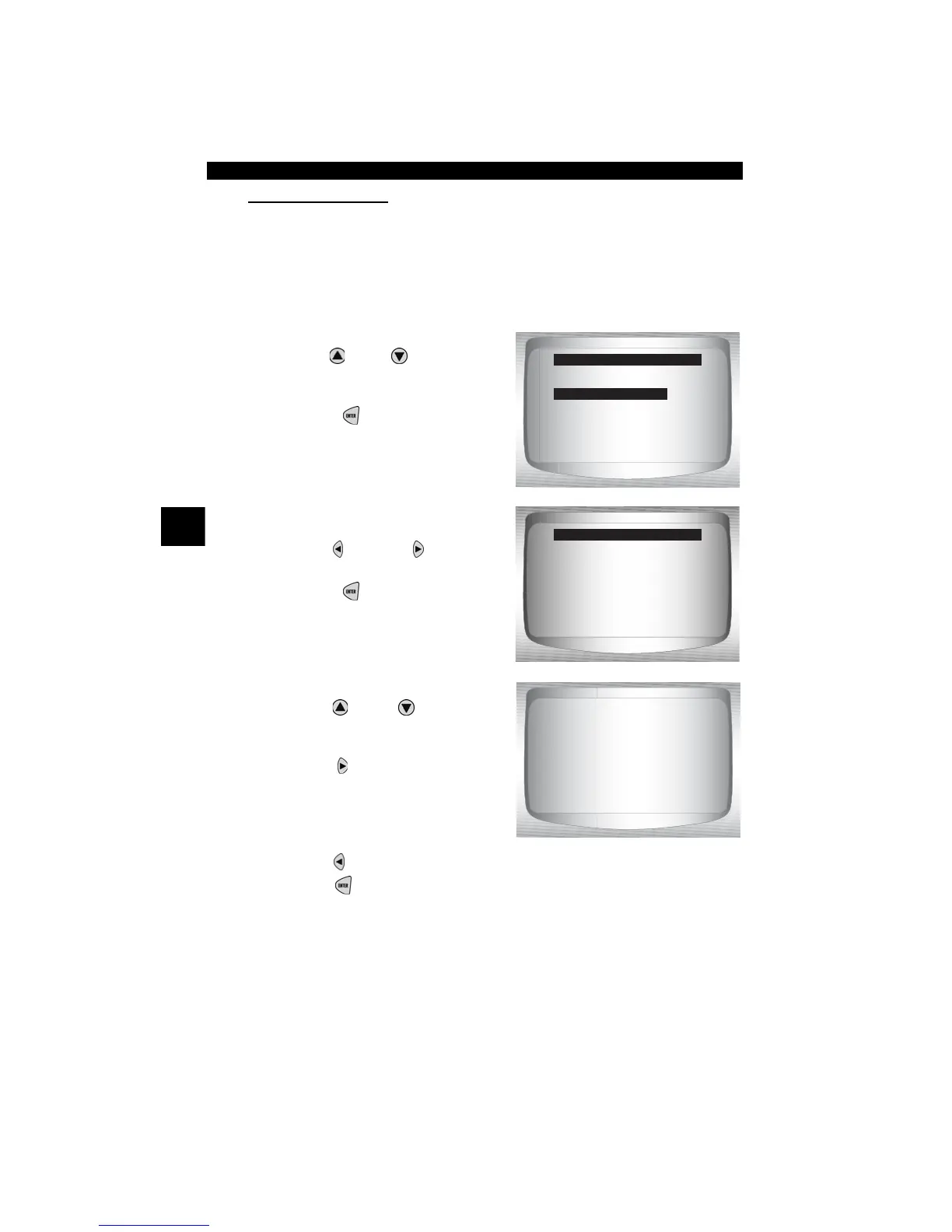
From Select Data to View menu:
1.
Select Custom List Select.
•Use
UP
or
DOWN
arrow
key until
Custom Data List
is
highlighted.
•Press
ENTER
.
2. Select View Instructions or
Not.
•Use
LEFT
or
RIGHT
arrow key.
•Press
ENTER
.
3. Select PIDs to View.
•Use
UP
or
DOWN
RIGHT
arrow keys
to move up
and down list
• The
RIGHT
arrow selects
or deselects data parameter.
All selected data values show
the order in which they will be
displayed.
•The
LEFT
arrow deselects all marked data parameters.
• The
ENTER
key starts recording data, or displaying selected
data parameters.
Select Data to View
=====================
Entire Data List
Custom Data List
Customize Linea
View instructions for
creating custom data
list?
<Yes> <No>
Custom Setup
MIL STATUS #1
ABSLT TPS
ENG SPEED #2”
CALL LOAD
MAP #4
COOLANT #3
IAT
IGN ADVANCE



 To Next Page