4-2 ADS TRITON+ Manual
Hardware and Software Compatibility
Please note the following compatibility requirements for using the
TRITON+ with the ADS Qstart
XML
software:
z Qstart
XML
is supported on computers running Microsoft
®
Windows 10.
z Qstart
XML
supports all TRITON+ and hardware devices for
activation, diagnostics, and data collects.
Starting Qstart
XML
Before traveling to the field for installation, configuration, and
activation activities, install the Qstart
XML
software on the field
computer.
Once installed, start the Qstart
XML
software from an office or field
computer by selecting Start > All Programs > ADS LLC >
Qstart
XML
from the Microsoft Windows start menu or double-
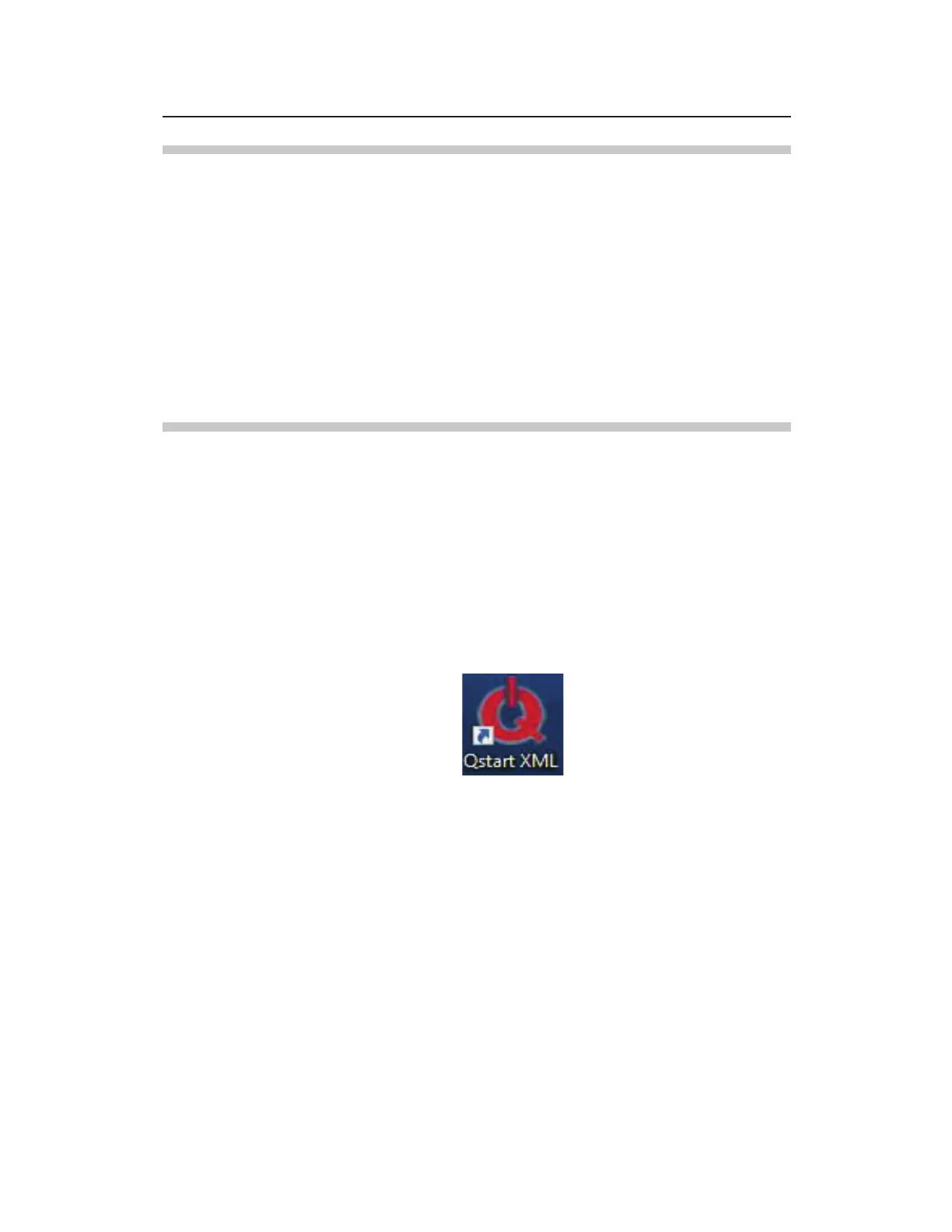
clicking on the Qstart
XML
icon on the Windows desktop.
Qstart
XML
icon on desktop
The Qstart
XML
main screen displays.



 To Next Page