Configuration and Activation 4-15
Assigning and Editing Devices
As part of entering the monitor and monitoring point information,
you must assign and edit the devices for each monitoring point.
Most devices should require only minimal, if any, modification to
the associated parameters.
1. Click on the browse button located to the right of the Devices
list box.
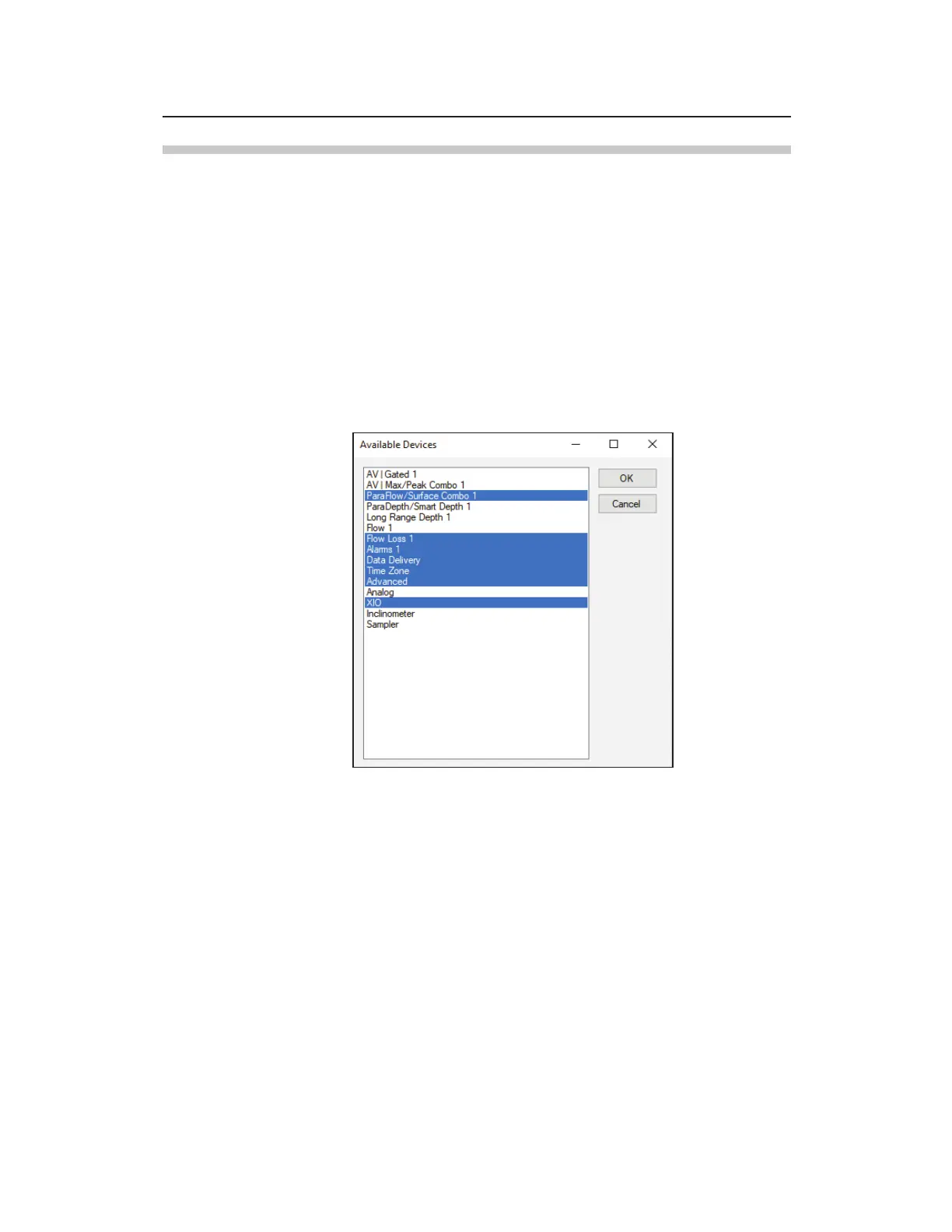
The Available Device list box displays the devices applicable to the
TRITON+ monitor series.
TRITON+ Monitoring Point 1 - Available Devices list



 To Next Page