6-36 ADS TRITON+ Manual
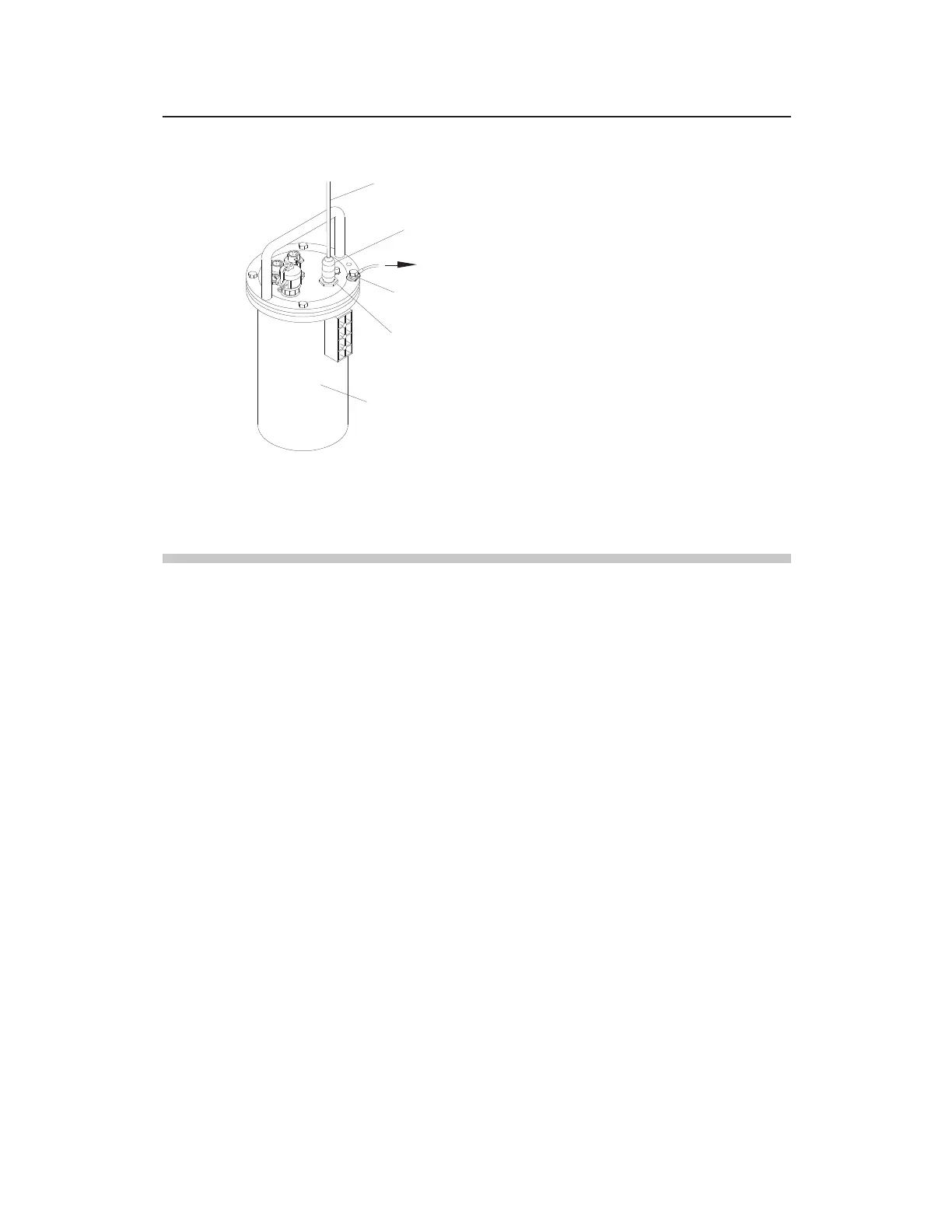
External power/communication cable attached to COMM + EXT PWR port
and ground wire secured to bolt on top of monitor
Final Instructions
1. Verify the following before connecting to the power source:
External power cable is connected to both the AC power
source or distribution device (i.e., disconnect, fuse, or
breaker box) and the power supply (when applicable)
Power supply (or appropriate DC power source) is
connected to the ExPAC
Ground wire is connected to both the XIO/XBUS ground
terminal block/ExPAC (as applicable) and the existing
earth ground
Communication cable is connected to both the monitor and
the ExPAC
Grip fittings on the cable glands are tightened securely and
XIO/XBUS (or other enclosure cover) is closed and
latched
2. Supply power to the system.
COMM + EXT PWR Port
COAXIAL Stretch Tape
TRITON+ MONITOR
COMM + EXT PWR CABLE
10-Gauge Ground Wire
to XIO, XBUS, or ExPAC Enclosure



 To Next Page