External Power 6-35
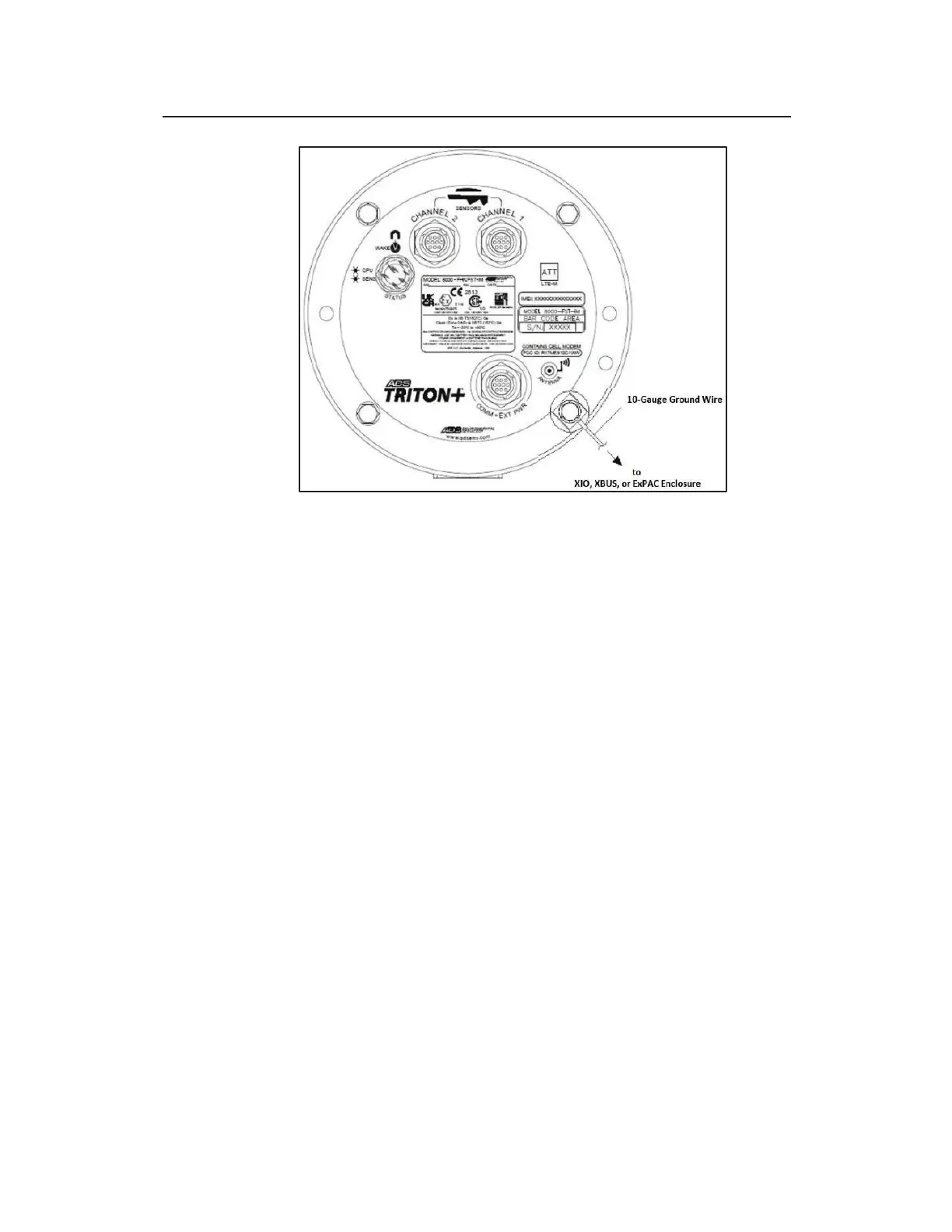
Proper orientation of ground wire in ground connection facility
19. Attach the other end of the communication cable to the
COMM + EXT PWR port on the top of the monitor. If the
monitor will be in a manhole, ADS recommends wrapping
rubber stretch tape around the entire cable connection,
extending 1 to 2 inches onto the cable beyond the connection.



 To Next Page