11-42 ADS TRITON+ Manual
EXT PWR port on the monitor. Restore power to the monitor
from the external source.
21. Establish communication with the monitor remotely to verify
communication.
22. Rewrap rubber stretch tape around the entire cable connection
between the antenna and ANTENNA port, extending 1 to 2
inches (25 to 50 mm) onto the cable beyond the connection.
When applicable, rewrap the connection between the external
power/communication cable and the COMM + EXT PWR
port in the same manner.
23. Reconnect the sensor(s) to the appropriate ports(s) (i.e.,
Channel 1 and/or Channel 2) on the monitor.
Interpreting the Diagnostic LED Codes on the
ExPAC
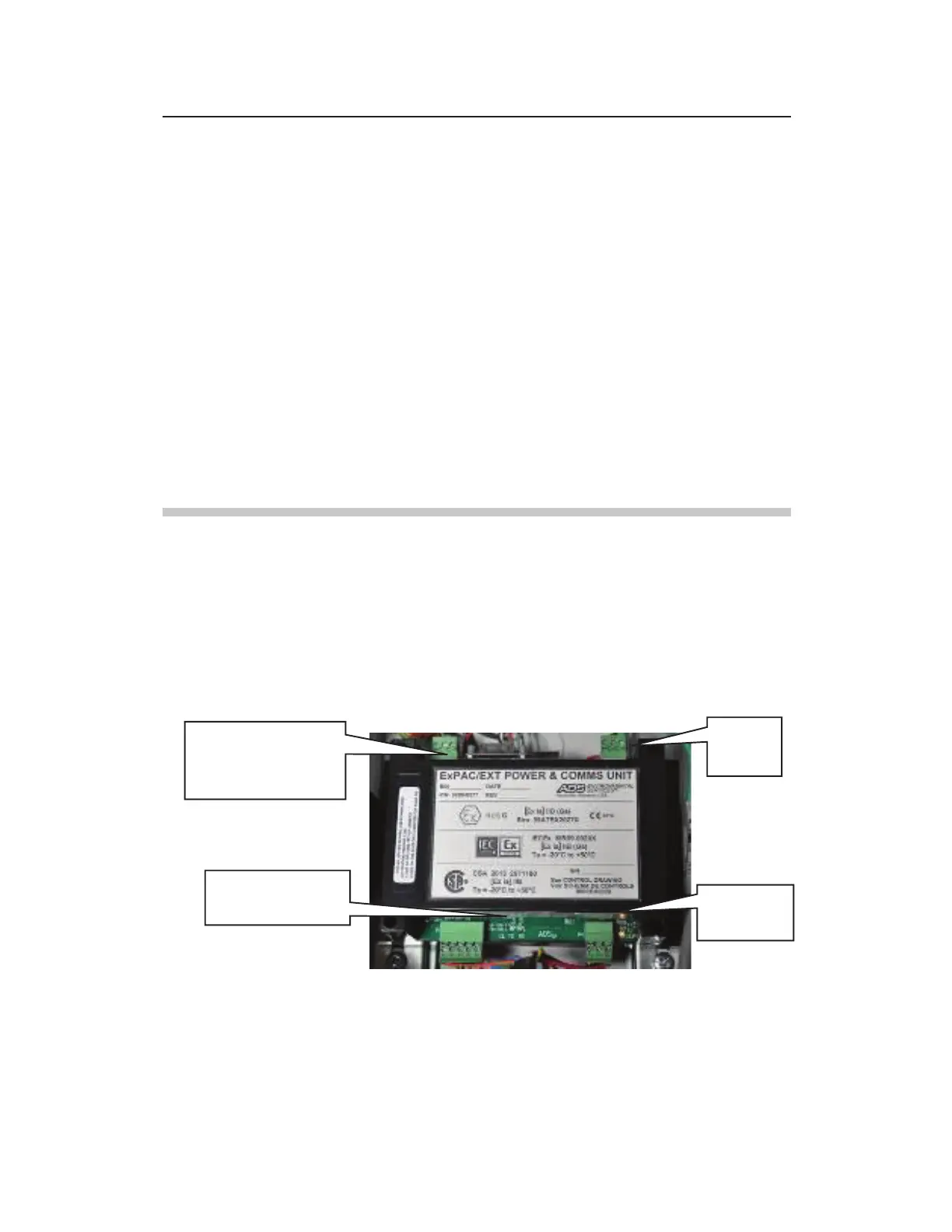
The ExPAC includes LED lights that provide diagnostic insight
into the current activities involving communications and power that
pertain to the ExPAC and overall system. The following image and
table includes brief descriptions of each diagnostic LED on the
ExPAC:
Diagnostic LEDs on ExPAC
Communication
Port TX and RX
LEDS



 To Next Page