Maintenance and Troubleshooting 11-41
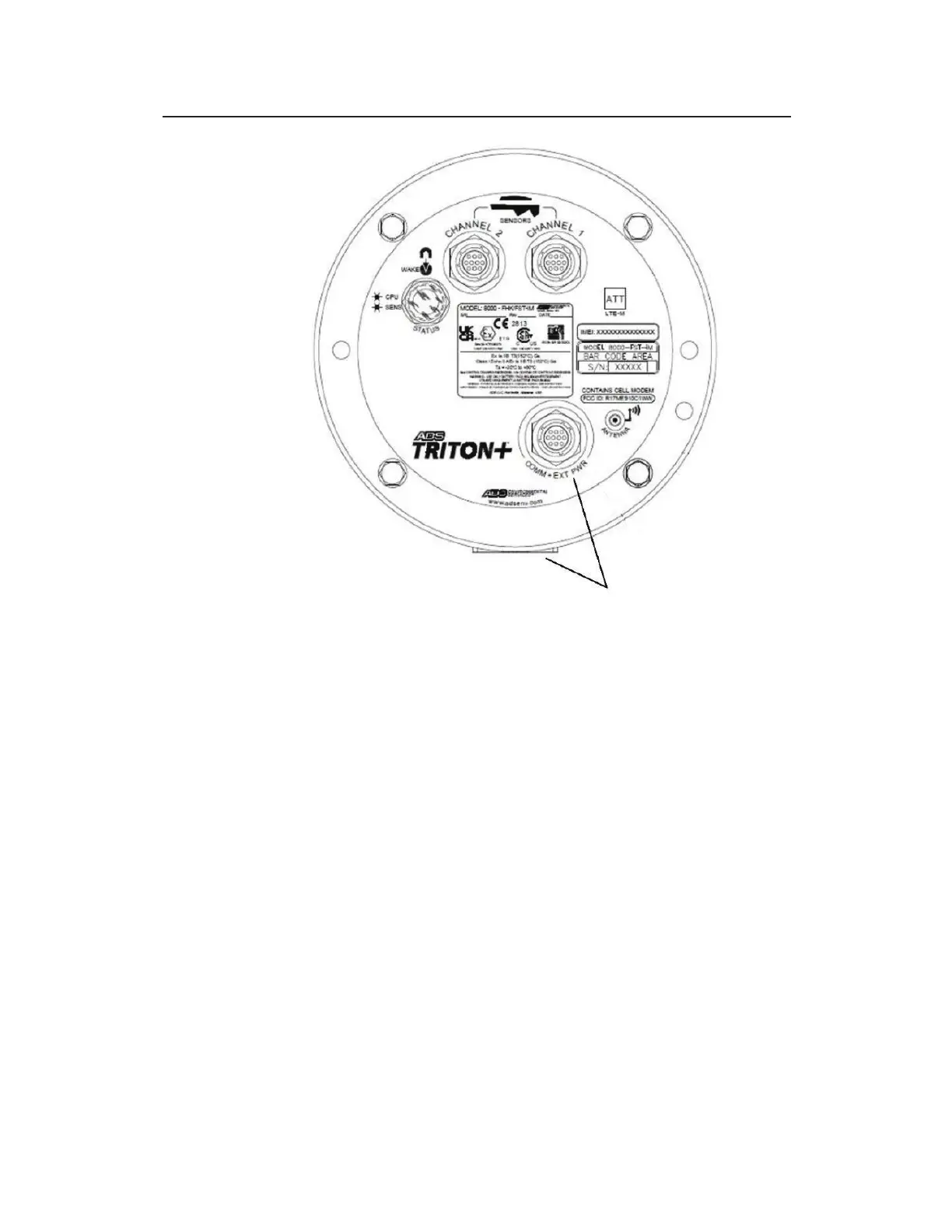
Returning the monitor top to the proper orientation with the canister –
Align COMM+EXT PWR Connector with the backside of canister and
molded mounting flange.
18. Finger-tighten the top bolts to make sure the top and gasket are
seated properly. Then, tighten the bolts about halfway to full
torque value by tightening the opposite bolts. Finally, tighten
the bolts to approximately 30 inch-pounds (2.50 foot-pounds/
3.39 Nm) to fully secure the top to the canister. If the monitor
will not seal, loosen the bolts and check for a trapped wire or
debris on either the gasket or the lip. You can increase the
torque value on the bolts incrementally to assist in sealing.
However, tighten the bolts evenly to prevent distorting the
gasket and do not exceed 45-inch pounds (5.0843Nm).
19. Place the monitor upright on the ground beside the manhole,
and reconnect the antenna cable to the ANTENNA port on the
monitor or the landline/PSTN modem module to the COMM +
EXT PWR port on the monitor.
20. (applicable only to externally-powered monitors) Reconnect
the external power/communications cable to the COMM +



 To Next Page