4-6 ADS TRITON+ Manual
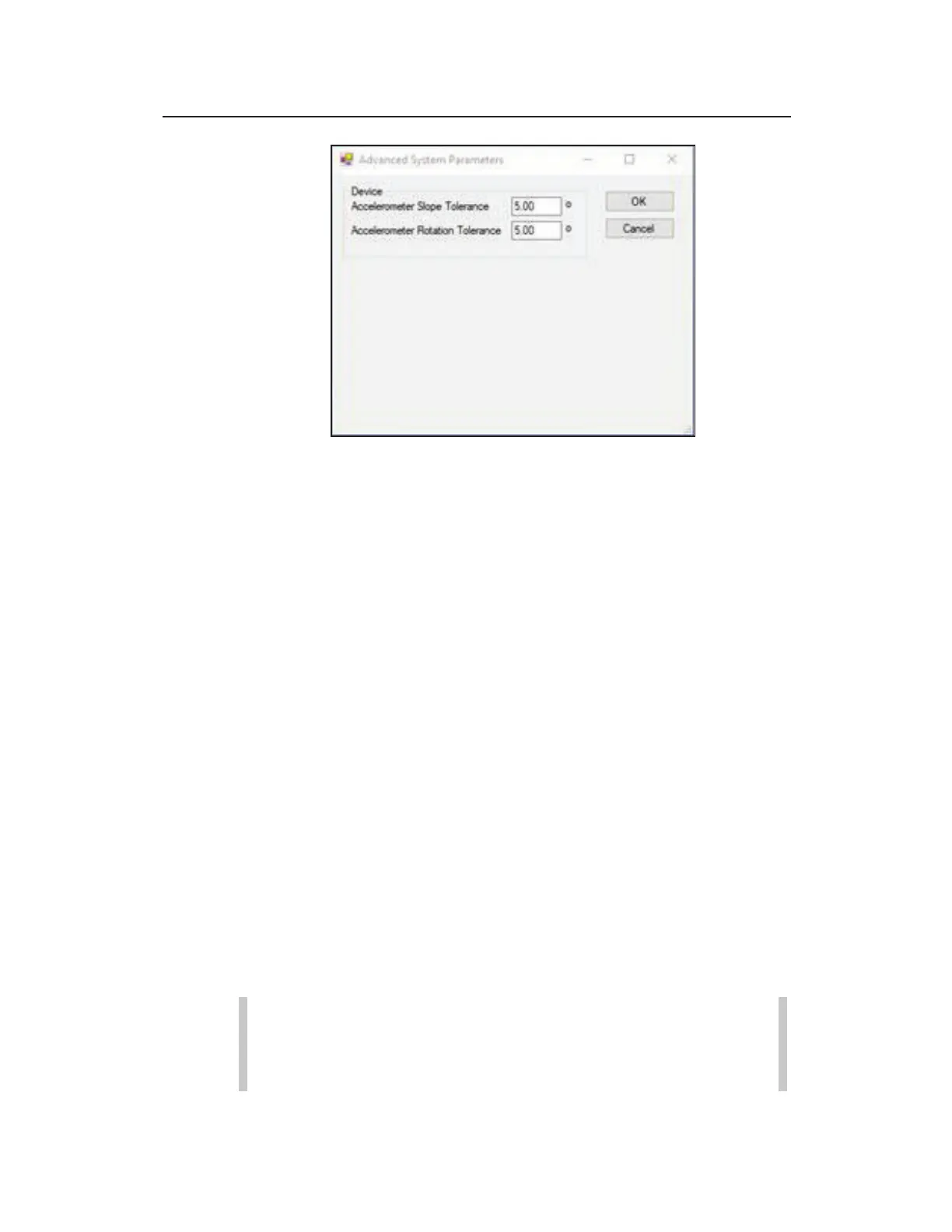
Advanced System Parameters
Accelerometer Slope Tolerance This field displays
the threshold beyond which the user will see a warning
that the AV|Gated, AV|Max, ParaDepth or ParaFlow
sensor has too much slope. This field defaults to 5.00º.
Accelerometer Rotation Tolerance This field
displays the threshold beyond which the user will see a
warning that the AV|Gated, AV|Max, ParaDepth or
ParaFlow sensor has too much rotation. This field defaults
to 5.00º.
11. The Default Location field indicates the location which
Qstart
XML
will use as a template from which to create all new
locations (when users choose the New button). If you have not
designated a default location, clicking New will populate the
parameters based on Qstart
XML
’s default configuration. This
field remains blank until you designate the default location on
the Settings dialog.
12. Click on the OK button to save the settings from this dialog to
the designated local directory or network.
The ADS Qstart
XML
window displays the default monitor
information.
Note: You can access the data and communication
settings at any time by clicking on the Settings button on
the ADS Qstart
XML
dialog.



 To Next Page