4-54 ADS TRITON+
®
Manual
Manual Select this option to enter the percentage of
full amplification at which to transmit the signal.
Enter a percentage between 10 and 100 percent, where
100 percent represents maximum amplification.
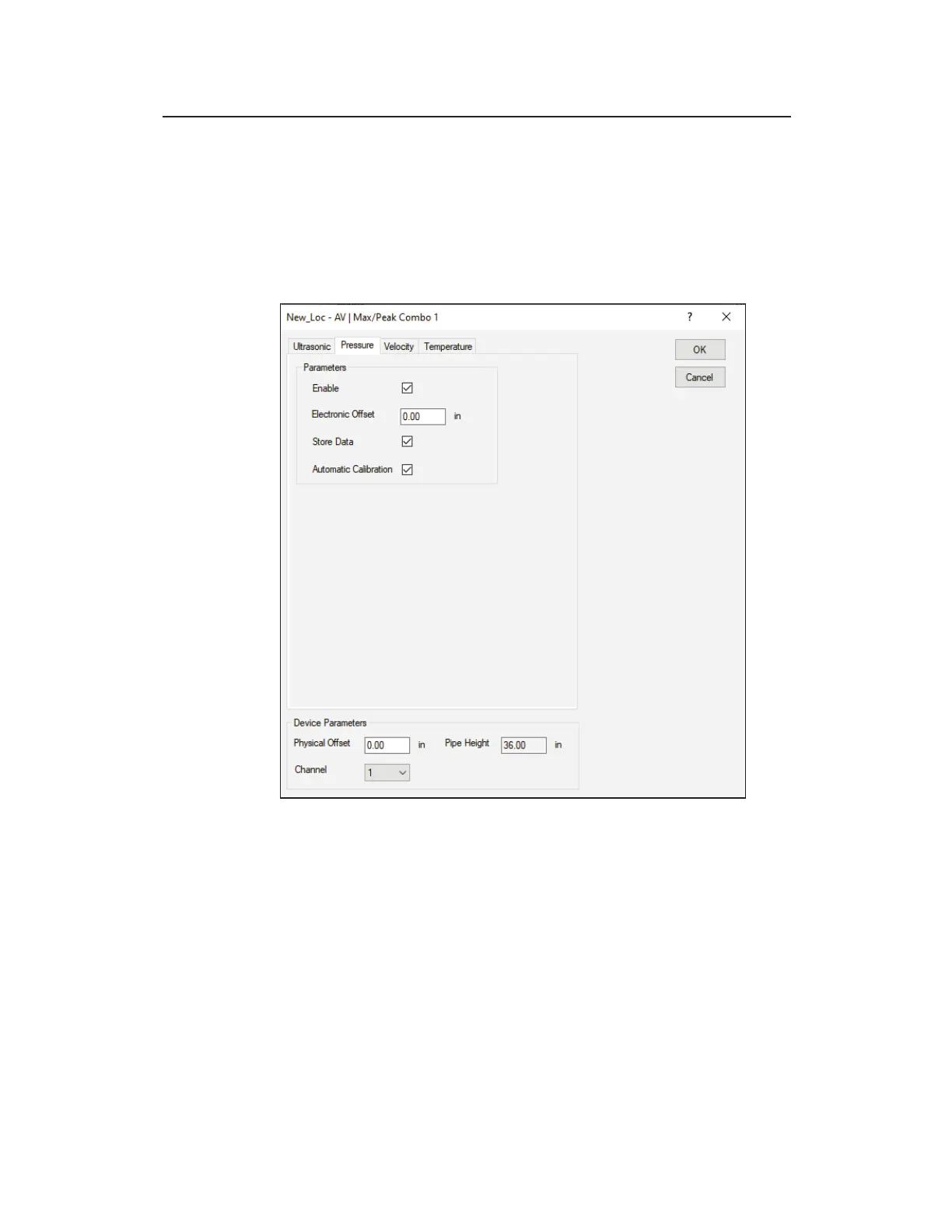
Pressure tab – AV|Max/Peak Combo
Edit AV|Max/Peak Combo 1 Parameters dialog displaying the Pressure
tab
Edit the following parameters corresponding to the pressure depth
sensor in the AV|Max or Peak Combo Sensor:
z Enable Select this checkbox to ensure the monitor begins
taking pressure depth readings at the designated interval once
activated. This option is selected by default.
z Electronic Offset Enter the difference that exists between
the pressure depth sensor readings and the manually measured
depth. The default value is 0.



 To Next Page