Configuration and Activation 4-73
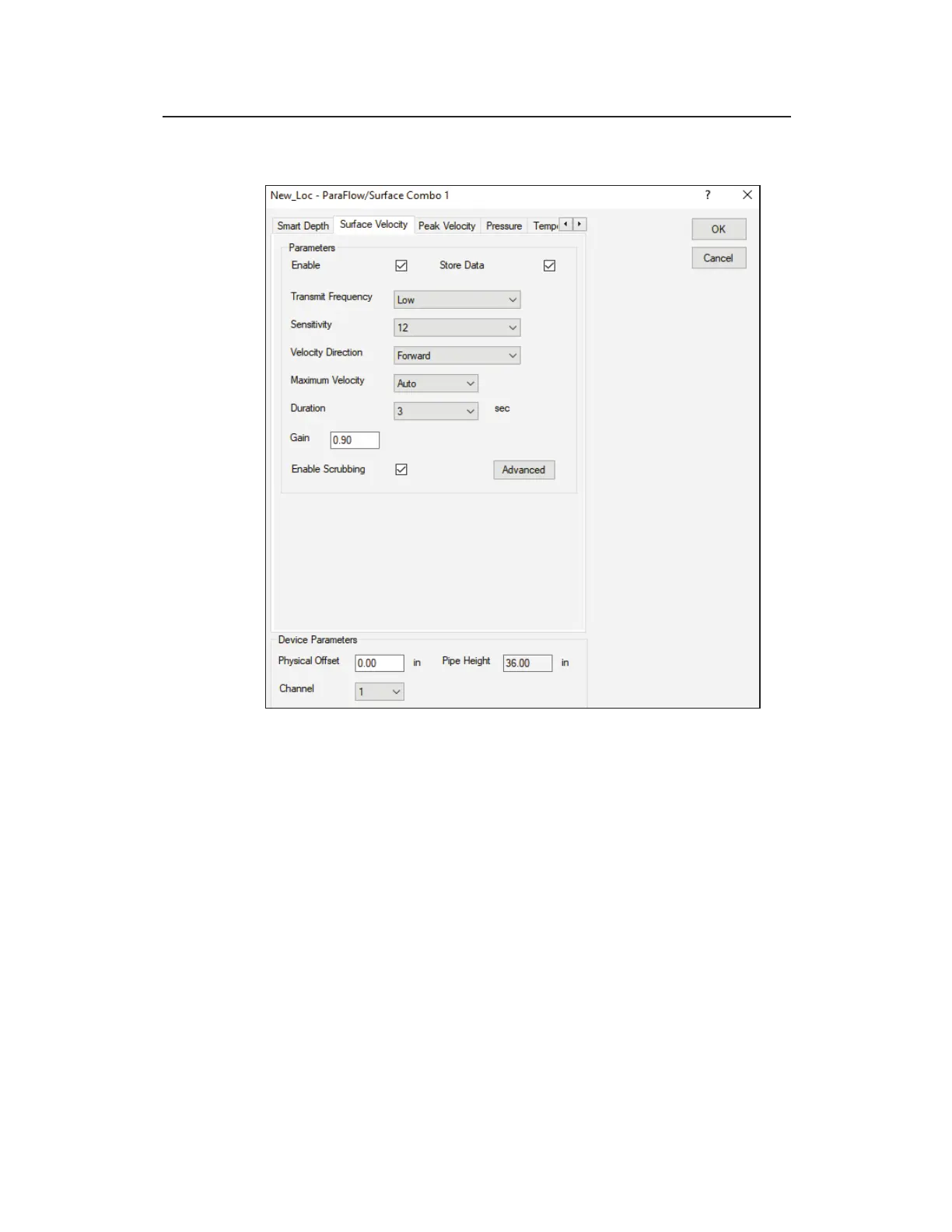
Surface Velocity tab – ParaFlow/Surface Combo
[location name] – ParaFlow/Surface Combo dialog displaying Surface
Velocity tab
Edit the parameters corresponding to the surface velocity sensor in
the ParaFlow or Surface Combo Sensor.
z Enable Select this checkbox to ensure the monitor begins
taking velocity readings at the designated interval once
activated. This option is selected by default.
z Store Data Select this checkbox to ensure the monitor logs
the velocity data to memory. This option is selected by default.
z Transmit Frequency Select the frequency at which to
transmit the signal. ADS recommends leaving the default
setting (Low) for most applications. However, if hydraulic
conditions at the site are resulting in questionable or erroneous



 To Next Page