Configuration and Activation 4-75
However, sites that experience elevated noise levels or velocity
dropouts to zero require a longer interval (4 or 5).
z Gain This value represents the factor applied to raw velocity
(RAWVEL entity in Qstart
XML
) to determine average velocity
and to calculate quantity for the Flow 1(2) device. Qstart
XML
does not apply the Gain to the velocity readings reported in
Diagnostics, where the raw velocity readings are used for
comparison against the manual measurements.
z Enable Scrubbing Select this checkbox to ensure the
monitor confirms questionable or erroneous velocity readings
based on the historical relationship between the depth and
velocity data for the location.
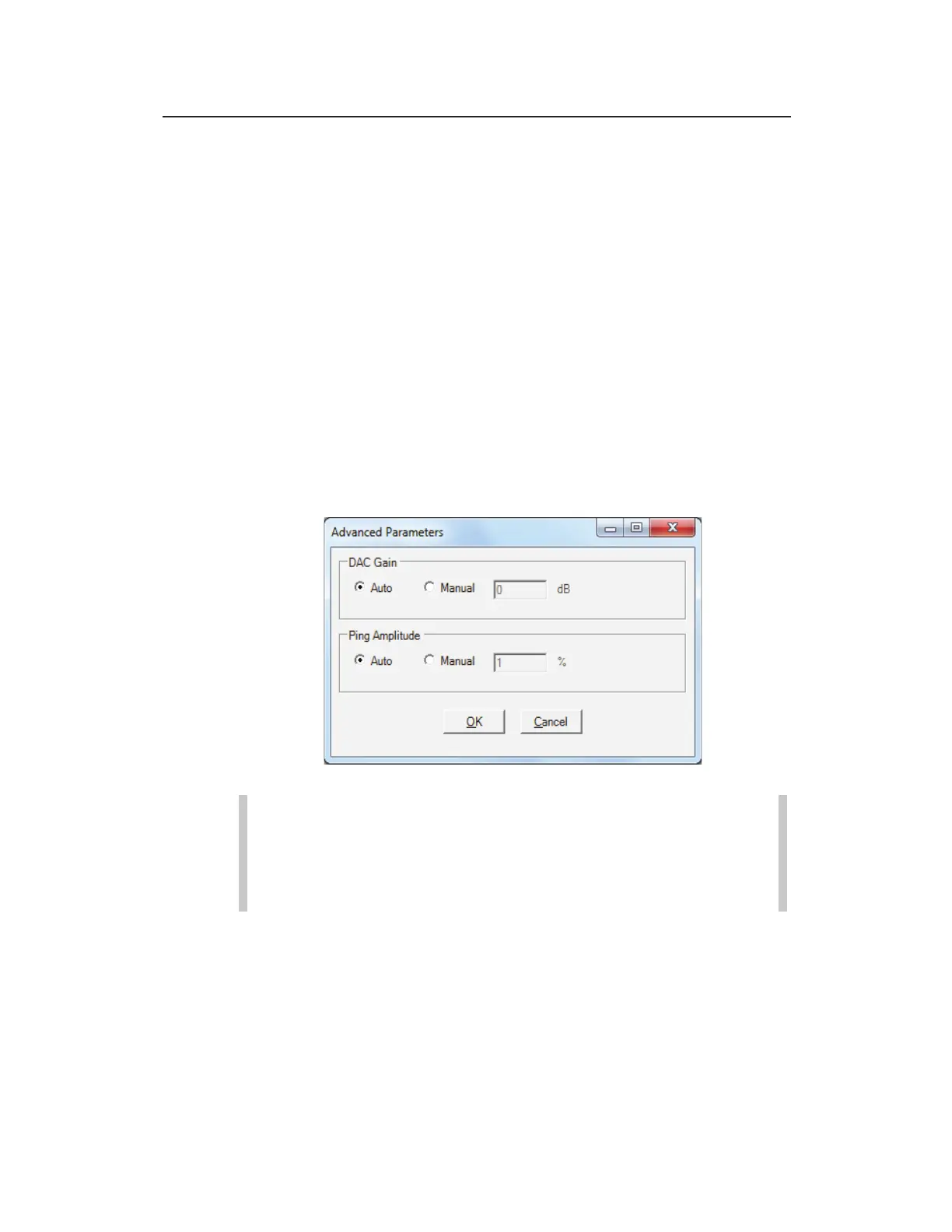
z Advanced Select this button to access the Advanced
Parameters dialog.
Advanced Parameters dialog
Note: Modifications made to the Advanced Parameters
should be performed only by or under the guidance of
trained ADS personnel. Therefore, ADS recommends
leaving the default settings (Auto) in place.
Modify the parameters as necessary, and then select OK once
complete.
DAC Gain Choose the method for managing the
amplification of the analog signal that returns to the
sensor:



 To Next Page