Configuration and Activation 4-77
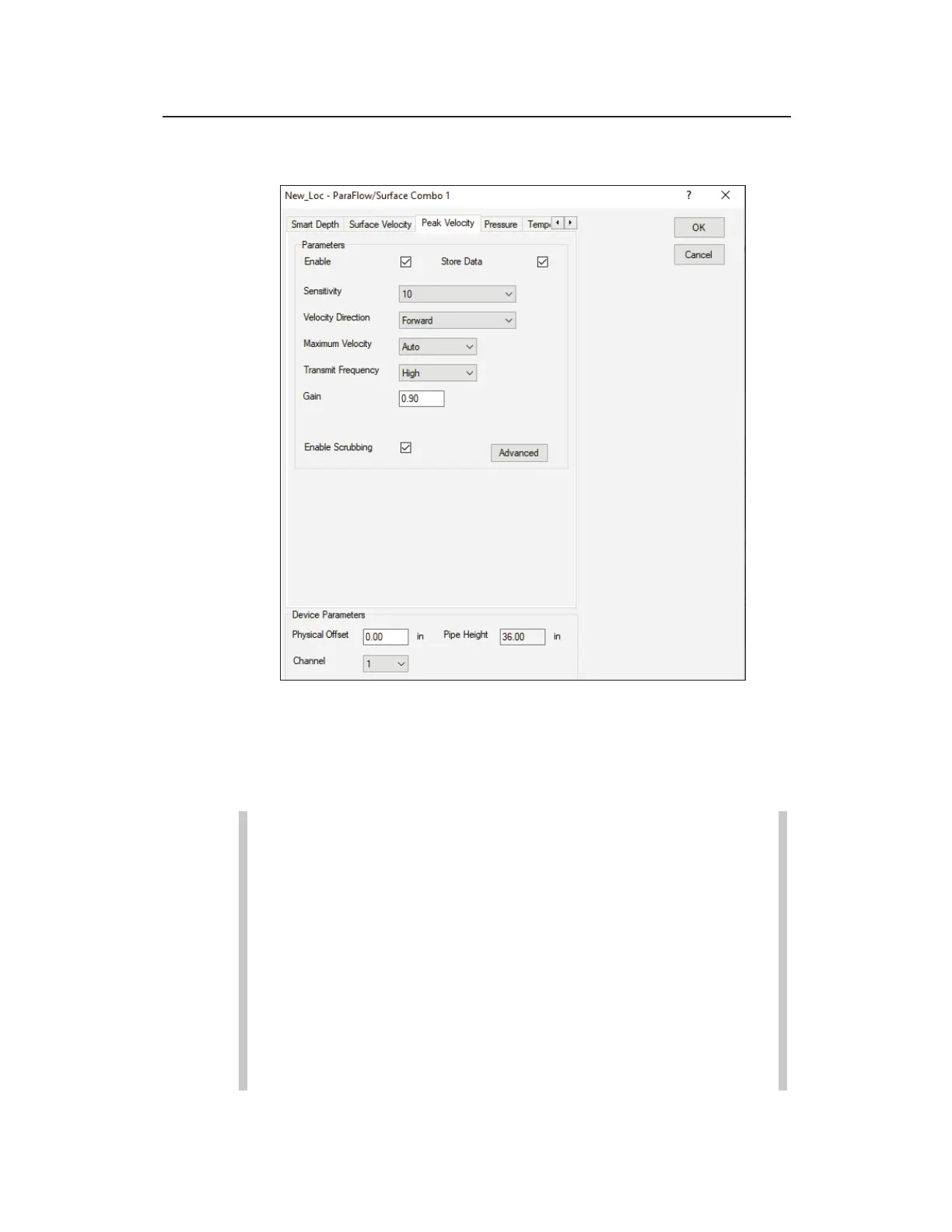
Peak Velocity tab – ParaFlow/Surface Combo
Edit ParaFlow/Surface Combo 1 Parameters dialog displaying the Peak
Velocity tab
Edit the parameters corresponding to the (surcharge) peak velocity
sensor in the ParaFlow and Surface Combo Sensors in the
following way:
Note: When using a Peak Combo sensor and Surface
Combo sensor at the same monitoring point or an AV|Max
sensor and ParaFlow, ADS recommends maintaining the
same settings for all the parameters corresponding to both
Peak Velocity (Velocity tab on the Edit Peak Combo
Parameters dialog) and Surcharge Peak Velocity (Peak
Velocity tab in the Edit Surface Combo Parameters
dialog) to ensure consistency between the velocity
readings. However, you may consider disabling this
sensor when both are present to conserve battery life,
monitor memory, and data collection time.



 To Next Page