5-48 ADS TRITON+ Manual
mounting holes do not exist on the band at or near the
desired mounting location for the adapter/sensor, drill
holes in the band using a 7/32-inch (3-mm) drill bit.
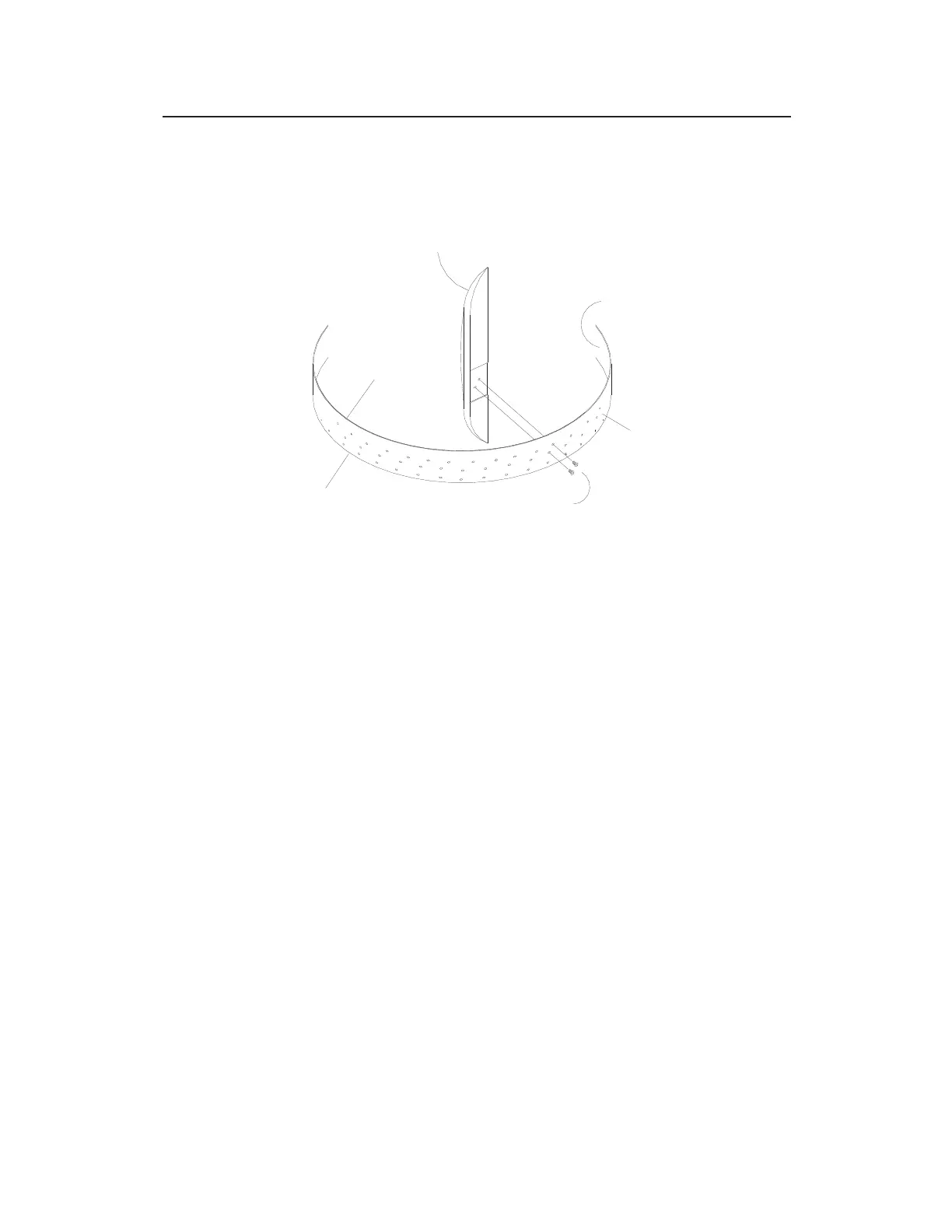
Attaching the Sensor/Silt Mount Adapter assembly to the band
5. Secure the sensor cables along the downstream edge of the
long end of the band according to the instructions in Securing
the Cables to the Band on page 5-52.
6. Make sure two pre-drilled holes are visible above the flow
surface on the short end of the band. Maneuver the band so
that the lowest hole is almost at the flow surface.
7. Mark the pipe wall through the lowest hole with a drill, and
install a ¼-inch x 2 ¼-inch (M6 x 55-mm) anchor bolt with a
pneumatic drill.
8. Secure the band to the anchor bolt with a washer and nut.
9. Conform the band to the pipe wall around to the long end of
the band so that it is flush with the pipe wall.
10. Install a ¼-inch x 2 ¼-inch (M6 x 55-mm) anchor bolt through
the pre-drilled hole closest to the flow surface on the long end
of the band, and secure the band with a washer and nut.
11. Make sure the band and sensors are flush against the pipe wall
with no gaps, and conform the rest of the band to the pipe wall.
ADAPTER/SENSOR ASSEMBLY
UPSTREAM
EDGE
DOWNSTREAM
EDGE
INNER SURFACE OF
RING OR BAND
SCREWS
MOUNTING
OUTER SURFACE
OF
RING OR BAND



 To Next Page