Sensor Installation and Connection 5-91
Securing Sensor Cable
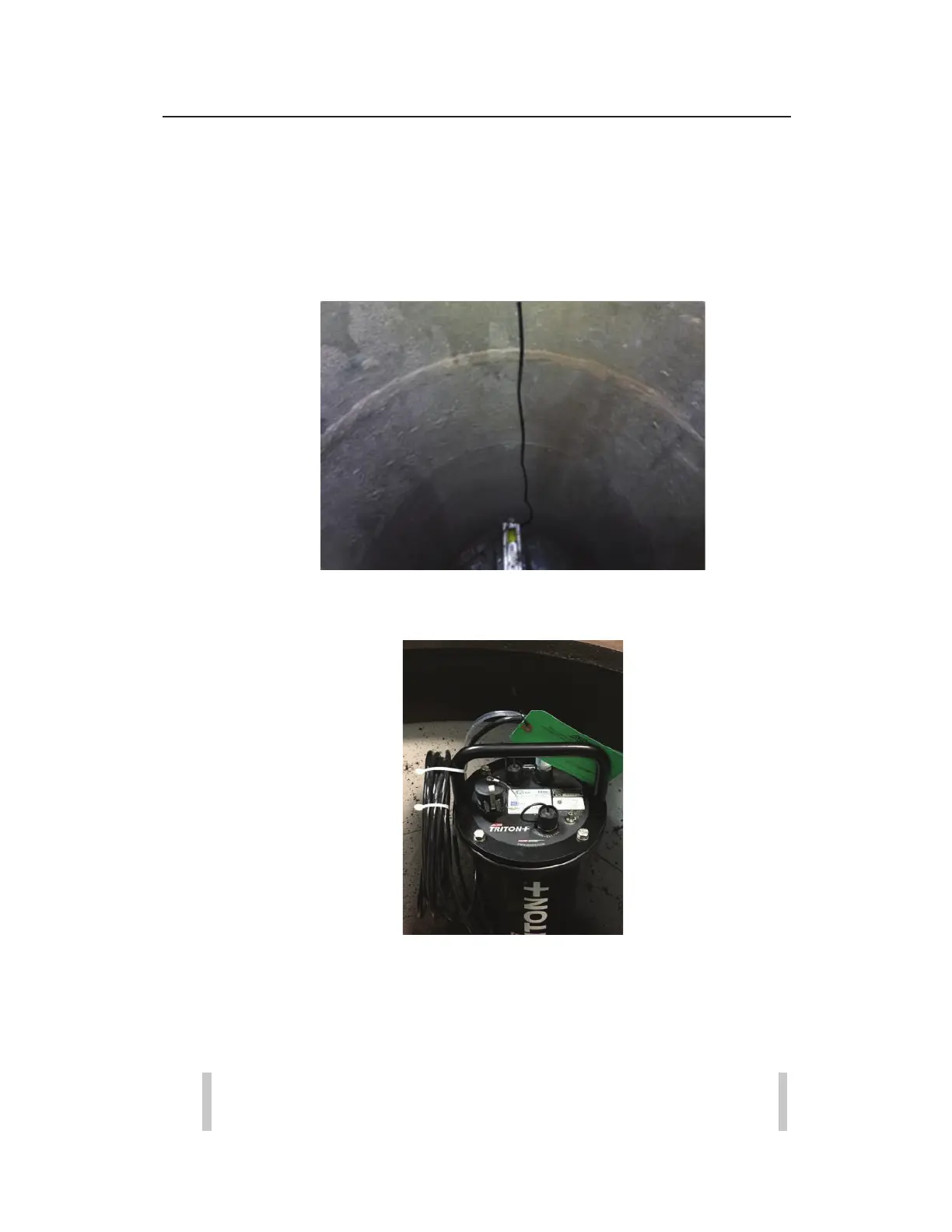
1. To prevent debris from collecting on the cable during a
surcharge vent, ensure the cable is relatively taut so that there
is only a small amount of slack in the cable.
2. Coil any extra ParaDepth or ParaFlow cable and use a cable tie
secure it to a manhole rung or the monitor handle.
Testing Removal and Reinstallation of Sensor
Using Topside Retrieval Tool
1. Using the Topside Extendable Retrieval Tool, unhook the cable
from the hook mounted on the manhole wall.
Warning: When using the Retrieval Tool to either remove or
re-install the sensor, care needs to be taken to avoid any



 To Next Page