5-98 ADS TRITON+ Manual
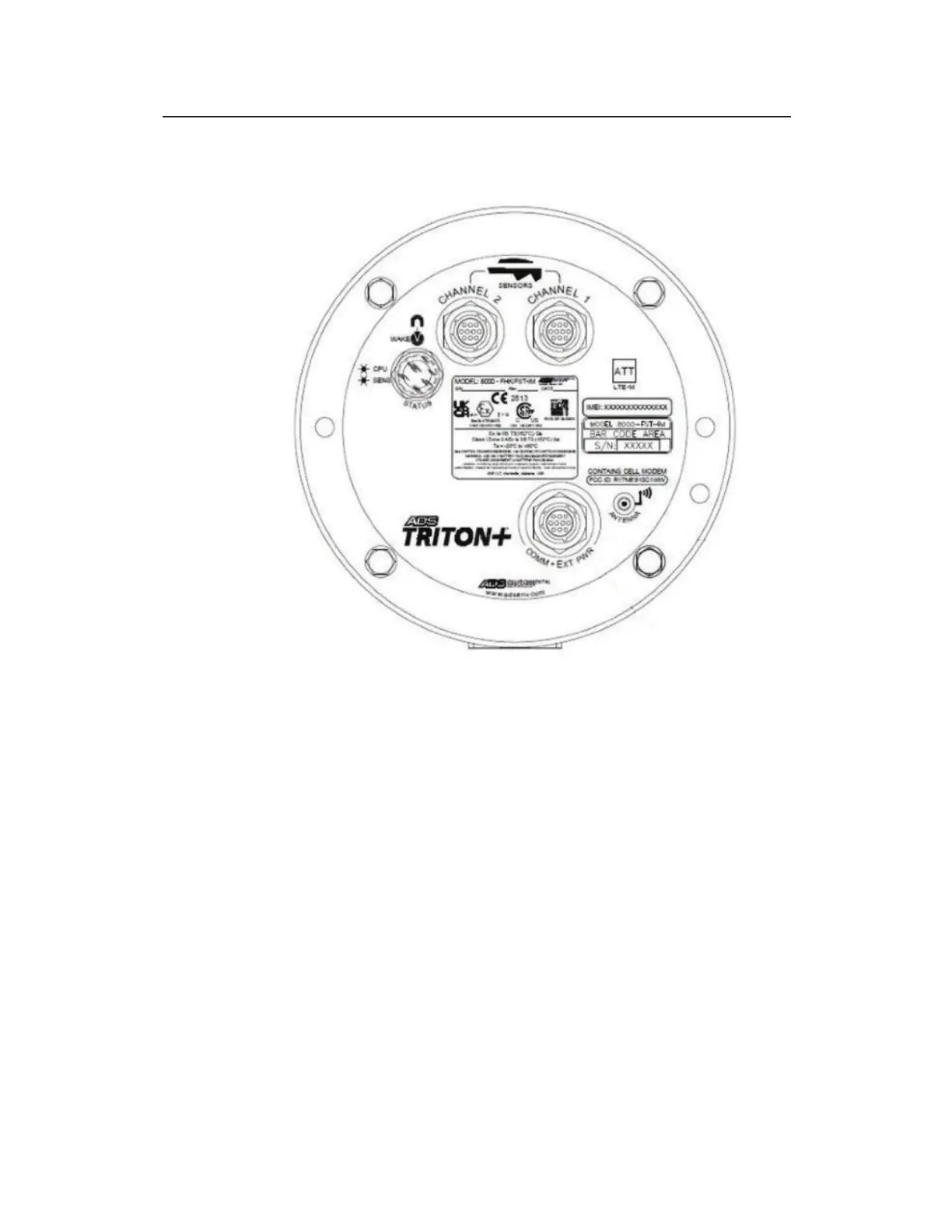
1. Place the monitor in an upright position to view the monitor
connector ports.
Cable connector ports
2. Visually inspect each sensor connector and monitor connector
port for damaged or broken pins. Replace a monitor or sensor
with defective ports or connectors.
3. Visually inspect each sensor and monitor connector port for
debris and moisture. Clean off any debris and dry any surface
moisture. Compressed air is useful for removing moisture
from the inside of the connectors or ports (pin and socket
surfaces).
4. Verify that the waterproof seal is present inside each sensor
cable end connector. The bright orange (or green), rubber seal
should sit at the bottom of the connector with the pins
protruding through the seal.
5. Connect each sensor cable to the appropriate port. Tighten
each rotating connector collar in a clockwise direction until it
clicks, and verify that it is seated correctly.



 To Next Page