5-100 ADS TRITON+ Manual
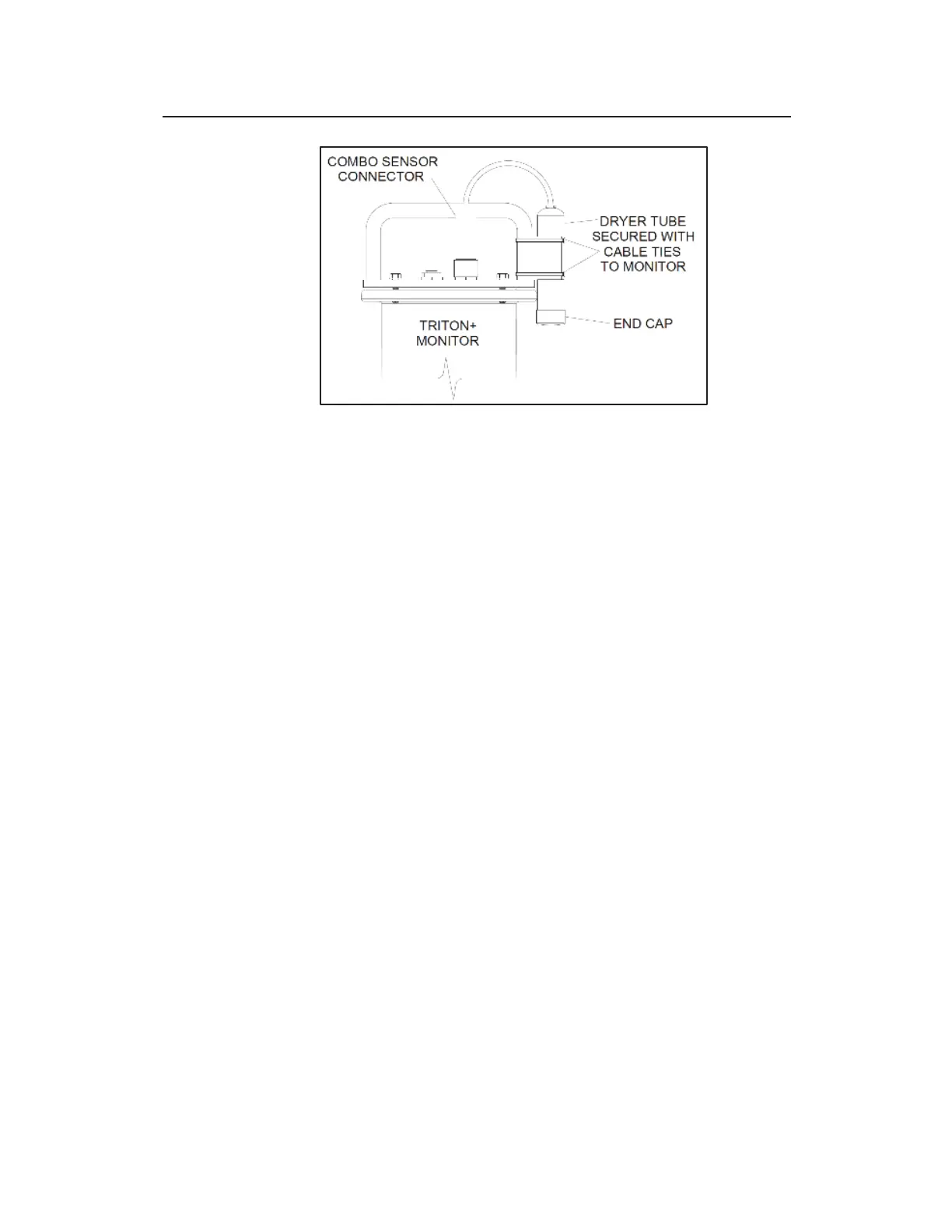
Securing the dryer tube to the monitor using cable ties
2. Make sure the black end cap on the dryer tube is removed
before installing the monitor in the manhole.
3. (applies only when a second dryer tube is present) Repeat
steps 1 and 2 for the other dryer tube, but attach it to the other
vertical portion of the handle on the opposite side of the
monitor.



 To Next Page