Monitor Installation 7-9
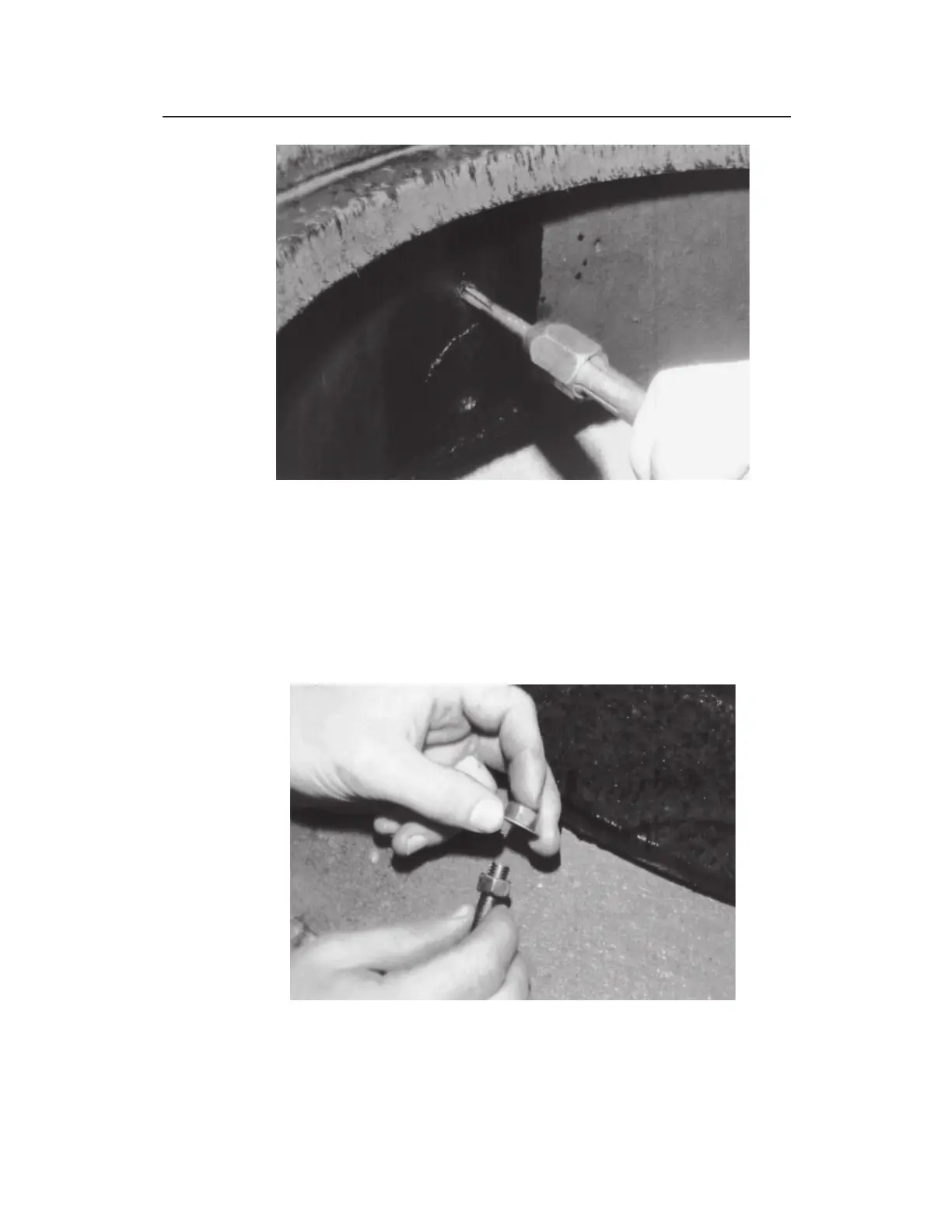
Using the tap to thread the hole
5. Chase the threading action at intervals to clear the metal debris
by backing the tap almost completely out of the hole and then
screwing it back into the hole. Lubricate the hole between
threading.
6. Place two 3/8 – 16 hex nuts (with a 3/8-inch washer in
between) onto one end of a 3/8-inch x 2-inch stud.
Placing two nuts and a washer onto the stud



 To Next Page