Communication 3-17
Note: The SIMs in the 8000-FST-IM-4WW-VZW, 8000-
FST-IM-EP-4WW-VZW are specifically linked to the
modem in the monitor, therefore, DO NOT attempt to
remove or swap the SIM card from these monitors prior to
contacting ADS Customer Support.
Replacing the SIM Card in Regular/Modem Bowl
Note: The only service or maintenance activities ADS
permits within the monitor chassis are battery pack, battery
PCB, regulator/modem unit, SIM card replacement (as
applicable) and fuse replacement. Therefore, do not
handle, alter, modify, remove, or replace any other
components inside the monitor. Such actions will void the
monitor warranty agreement and the IS certification.
Note: Move the monitor away from the hazardous area
before opening the monitor to replace the battery.
Note: To replace a SIM card in a TRITON+ monitor
which has a SIM card holder on the monitor top, refer to
Chapter 11 Maintenance and Troubleshooting: Replacing
the SIM Card for instructions.
Replace the SIM card in the TRITON+ monitor Regulator/Modem
bowl on the monitor top in the following way:
1. (applies only to static IP SIM cards) Record the number of the
new SIM card (i.e., the IP address) on the site report. You will
need this address to reconcile billing and when setting up the
monitor configuration in the Qstart
XML
software. The IP
address is printed directly on the SIM card or on a label affixed
to the card.
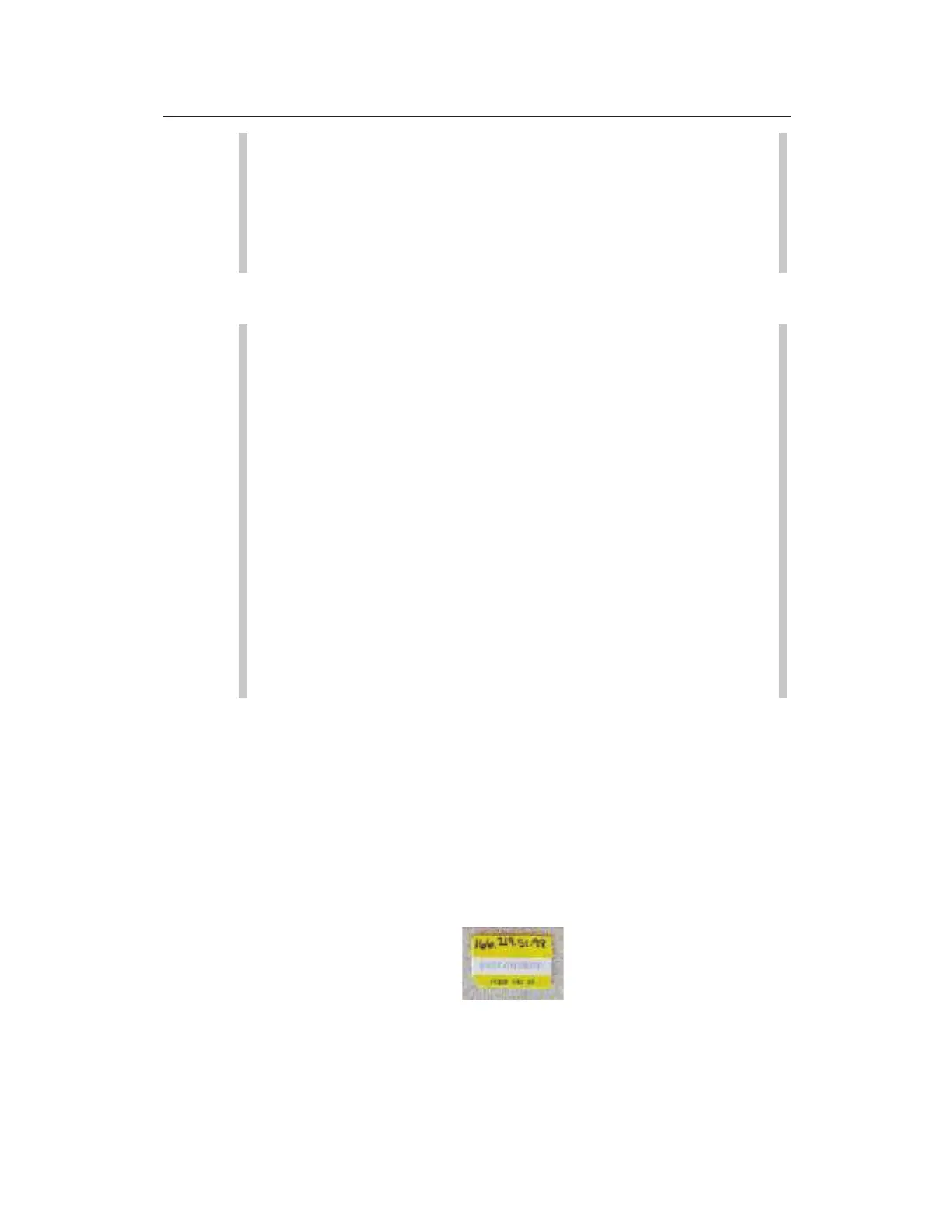
Example of SIM Card



 To Next Page