Cleaning and disinfection
All appropriate policies and procedures should be followed to avoid
contamination of the staff, patients and device. All existing universal
precautions should be taken to avoid that the digitizer comes into contact with
potential contaminations. Details about cleaning can be found in the following
pages.
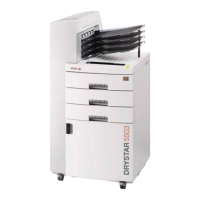
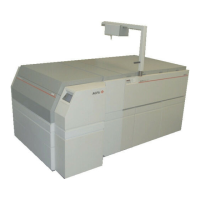
To clean the exterior of the printer:
1. Switch off the printer.
2. Remove the power plug from the socket.
3. Wipe the exterior of the printer with a clean, soft, damp cloth.
Use a mild soap or detergent if required but never use an ammonia–based
cleaner.
WARNING:
Make sure no liquid gets in the printer.
Note: Do not open the printer for cleaning. No components
inside the printer require cleaning by the user.
4. Plug in the printer and switch it on.
Related Links
Switching on the printer on page 68
Switching off the printer on page 71
108 | Drystar 5301, Drystar 5302 | Preventive maintenance schedule
2831F EN 20210601 1655



 To Next Page