Pausing the print queue
During printing, you can always pause the print queue by entering the
operator menu.
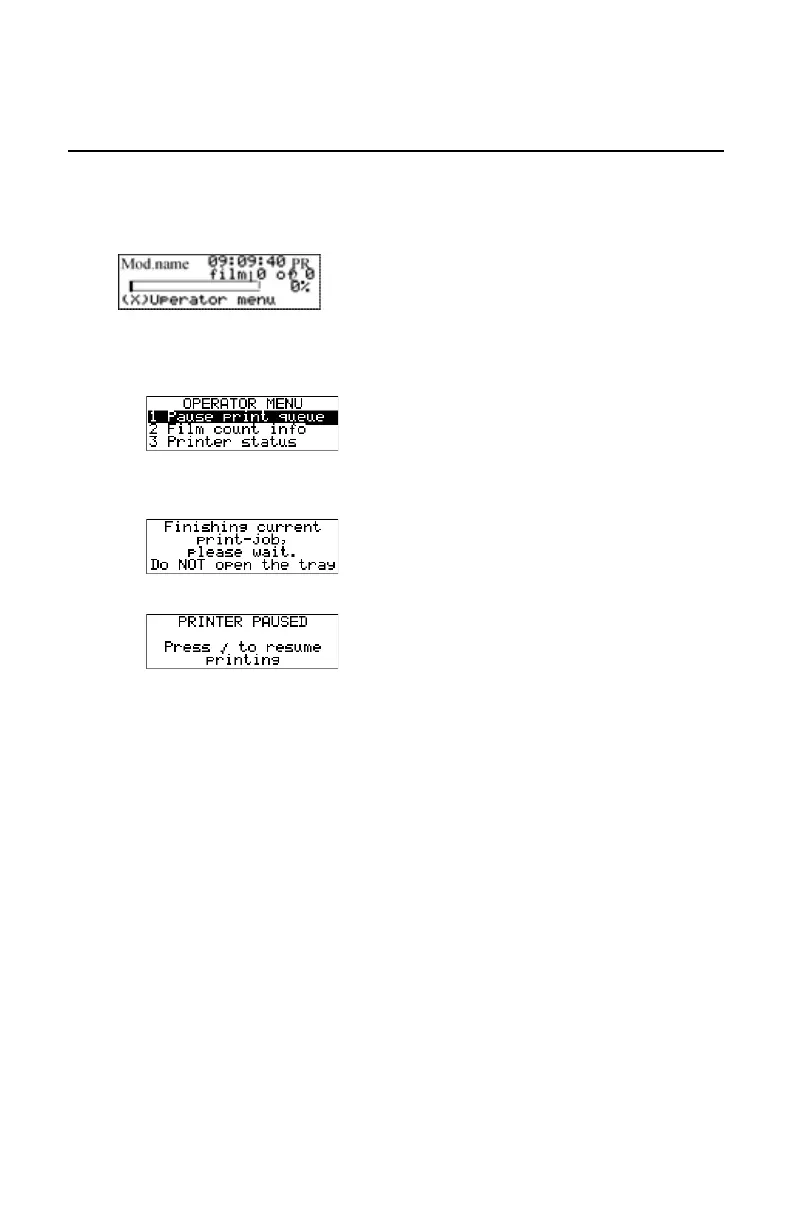
During a print job, the ‘print’ screen is displayed:
1. Press the Escape key to enter the operator menu.
The ‘Operator menu’ screen appears:
2. On the Operator menu press the Confirm key to select ‘Pause print queue’.
3. If the printer is printing, it will first finish its current print job.
4. When the printer is ready, the print queue is paused.
5. To resume printing, press the Confirm key.
76 | Drystar 5301, Drystar 5302 | Basic Operation (operator mode)
2831F EN 20210601 1655



 To Next Page