Establishing the daily operating reference density levels
WARNING:
The densitometer of the printer is calibrated at installation.
Authorized service personnel should recalibrate the
densitometer annually or after major service or repair.
This procedure enables you to establish the base line values for:
• Low density
• Mid density
• High density
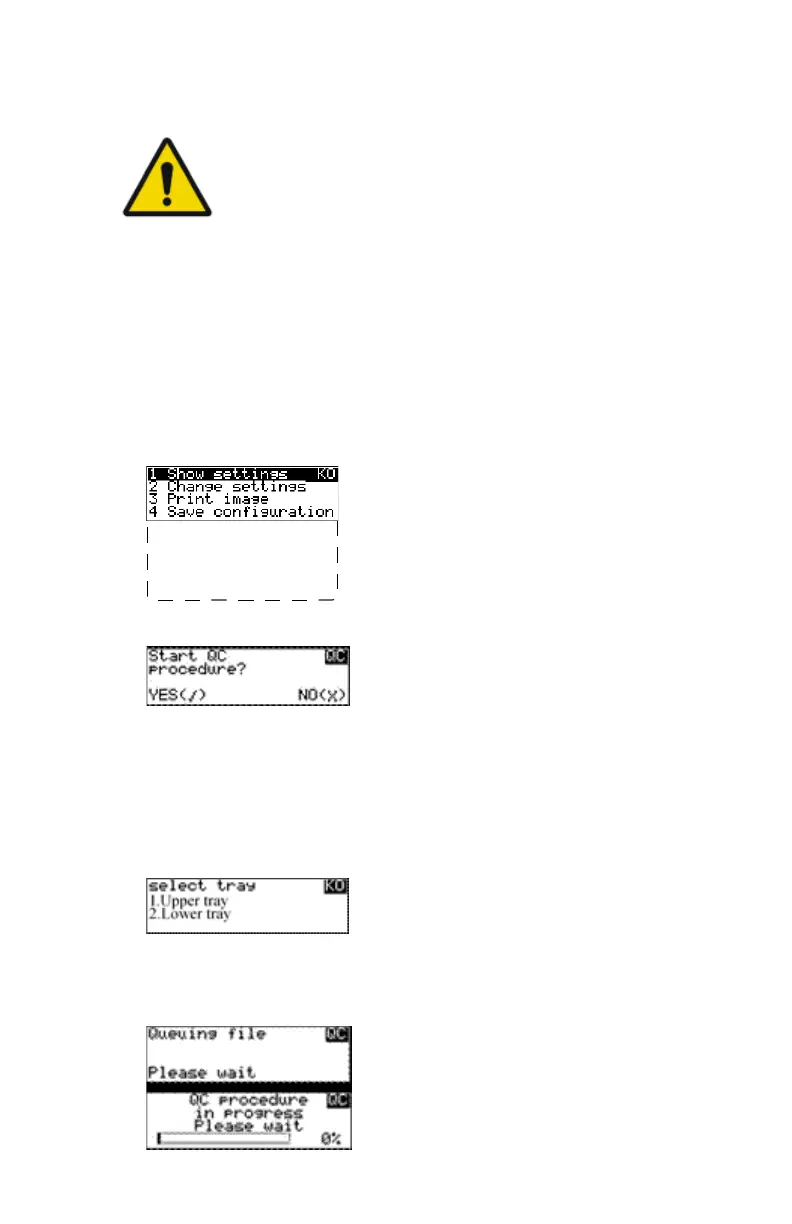
To establish the daily operating levels, proceed as follows:
1. Press the Key-operator key to enter the Key-operator mode.
2. Press the down key seven times, followed by the confirm key to select
‘Quality Control’.
5 Restore config.
6 Calibration
7 Service Actions
8 Quality Control
9 Installation
Reachable with Up/Down arrow keys
Visible
A confirmation screen appears:
3. Do one of the following:
• Press the Confirm key (YES) to start the QC procedure and proceed
with step 4.
• Press the Escape key (NO) to quit.
4. Define the tray for printing.
The ‘Select tray’ screen appears:
5. Press the Up/Down arrow keys to select the desired tray, followed by the
Confirm key.
The following screens appear successively:
Drystar 5301, Drystar 5302 | Advanced Operation (key-operator mode) | 97
2831F EN 20210601 1655



 To Next Page