Switching off the printer
When you want to switch off the printer, the printer will first finish his current
print job. Queued print jobs will be stored on internal media and will be
resumed next time the printer is switched on.
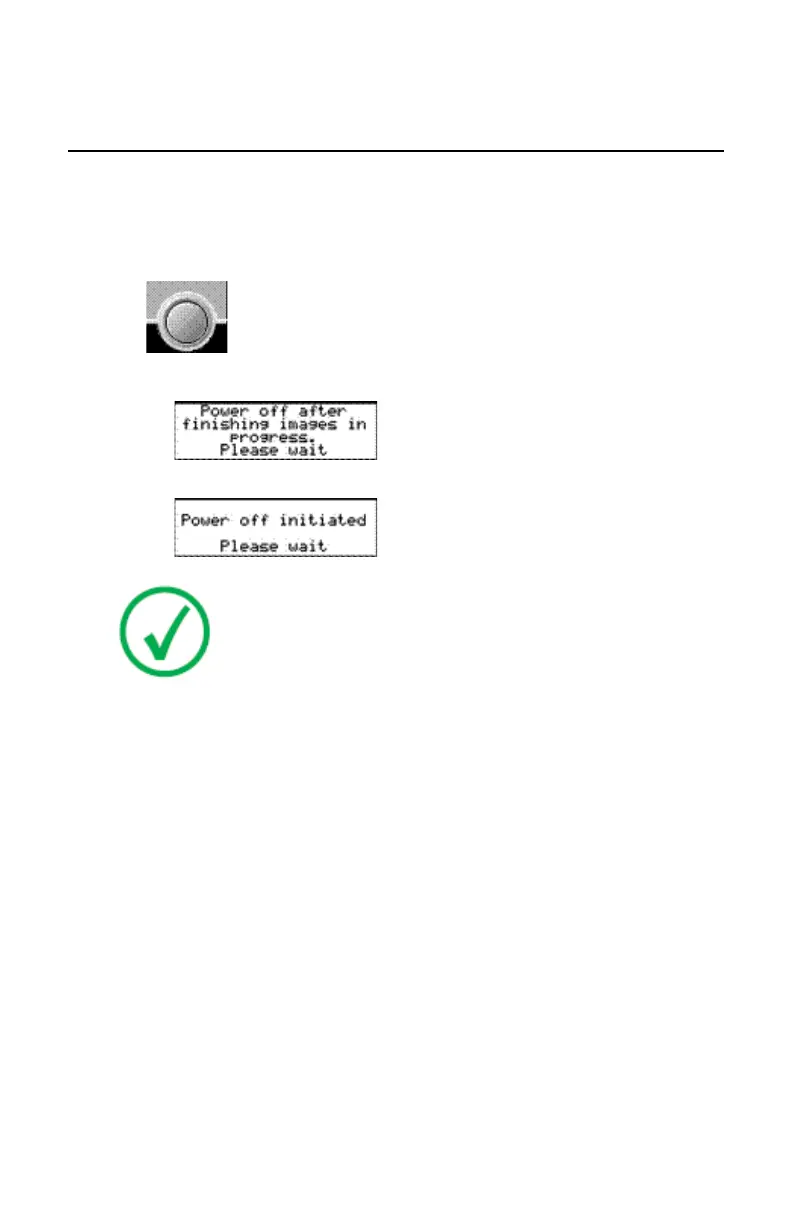
Press the Power/Reset button to switch.
• If the printer is printing, it will finish that print job:
• When the printer is ready, it shuts down immediately:
Note: After switch off, the device is still in stand-by mode. To
remove the device from the mains supply disconnect the mains
plug.
Drystar 5301, Drystar 5302 | Introduction | 71
2831F EN 20210601 1655



 To Next Page