Viewing the printer status
During printing, you can always view the printer status by entering the
operator menu.
To view the printer status, proceed as follows:
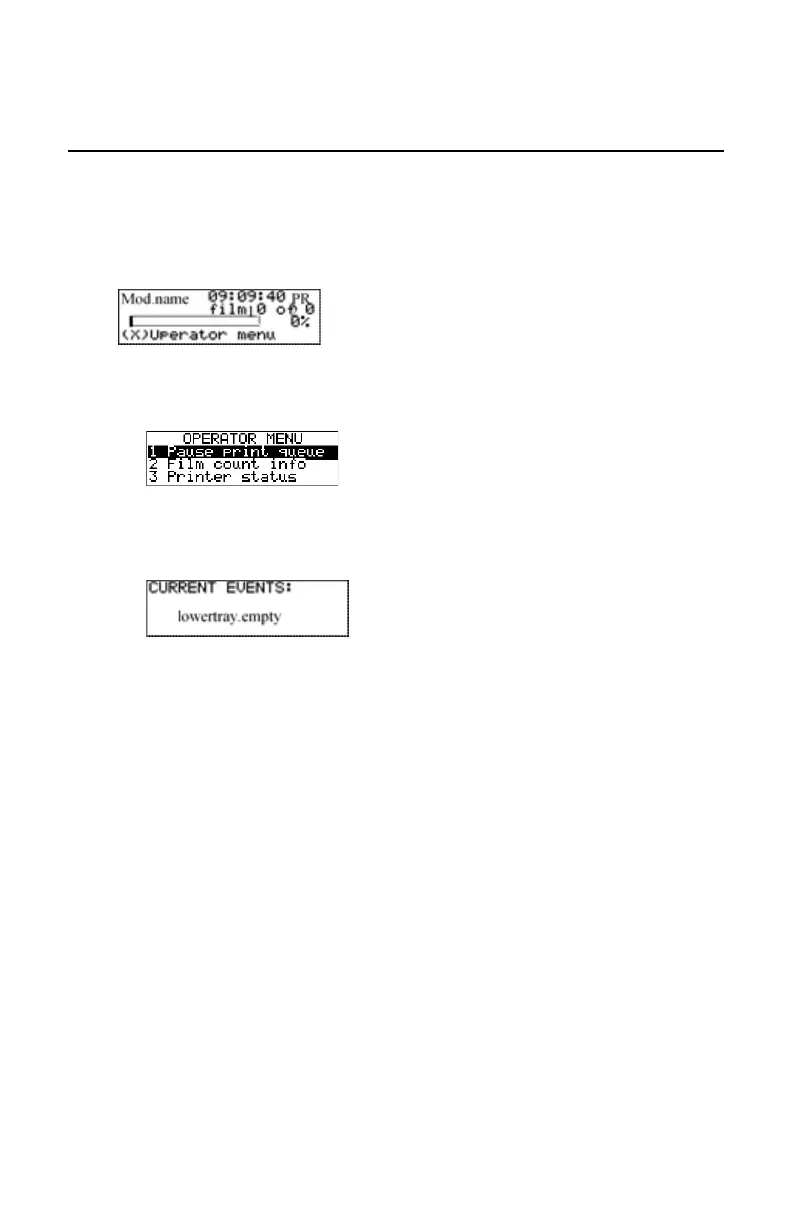
During a print job, the ‘print’ screen is displayed:
1. Press the Escape key to enter the operator menu.
The ‘Operator menu’ screen appears:
2. Press the Down key twice, followed by the Confirm key to select ‘Printer
status’.
The following screen appears:
The screen informs you, by means of short event descriptions, about
current events. There is only one event per line. An event could be e.g. a
current film jams, an empty tray, ...
3. Press the Confirm key to return to the print screen.
78 | Drystar 5301, Drystar 5302 | Basic Operation (operator mode)
2831F EN 20210601 1655



 To Next Page