Configure network settings
The printer is configured with the following APIPA addresses:
Printer IP address: 169.254.10.10
Subnet mask: 255.255.0.0
Ask your network manager the following information:
Printer IP address:
Netmask:
Router IP address:
Called AE_Title:
1. Select and initiate the printer installation wizard.
a) Press the Key-operator key.
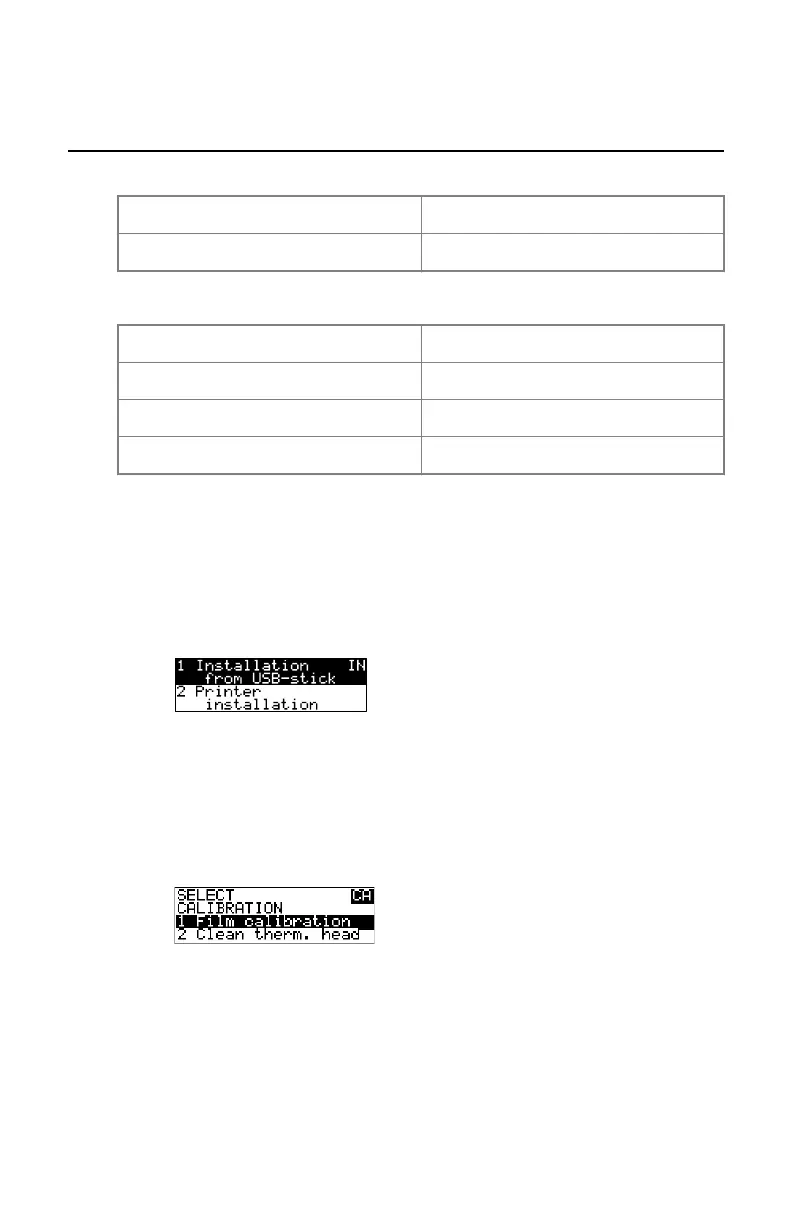
b) In the Key-operator main menu, select Installation.
c) In the Installation menu, select Printer install.wizard.
d) Follow the instructions.
(see Reference manual).
2. Select and initiate printer calibration.
a) Press the Key-operator key.
b) In the Key-operator main menu, select calibration.
c) In the Select Calibration menu, select Film.
d) Follow the instructions.
(see Reference manual).
The printer is ready for use!
148 | Drystar 5301, Drystar 5302 | Plug & Play Installation Manual
2831F EN 20210601 1655



 To Previous Page