The display
The touchscreen has a text display. We distinguish two display types
depending on the selected language:
• a text display with 4 lines for Western languages (e.g. Dutch, French,
Portuguese, Swedish, ...).
5 Restore config.
6 Calibration
7 Service Actions
8 Quality Control
9 Installation
Reachable with Up/Down arrow keys
Visible
• a text display with 2 lines for all other languages (e.g. Greek, Chinese,
Korean, Polish,...).
5 Restore config.
6 Calibration
7 Service Actions
8 Quality Control
9 Installation
Reachable with Up/Down arrow keys
Visible
Whether a display is translated or not depends on the operating mode.
Topics:
• General display features
• Operator mode
• Key-operator mode
• Data entry
General display features
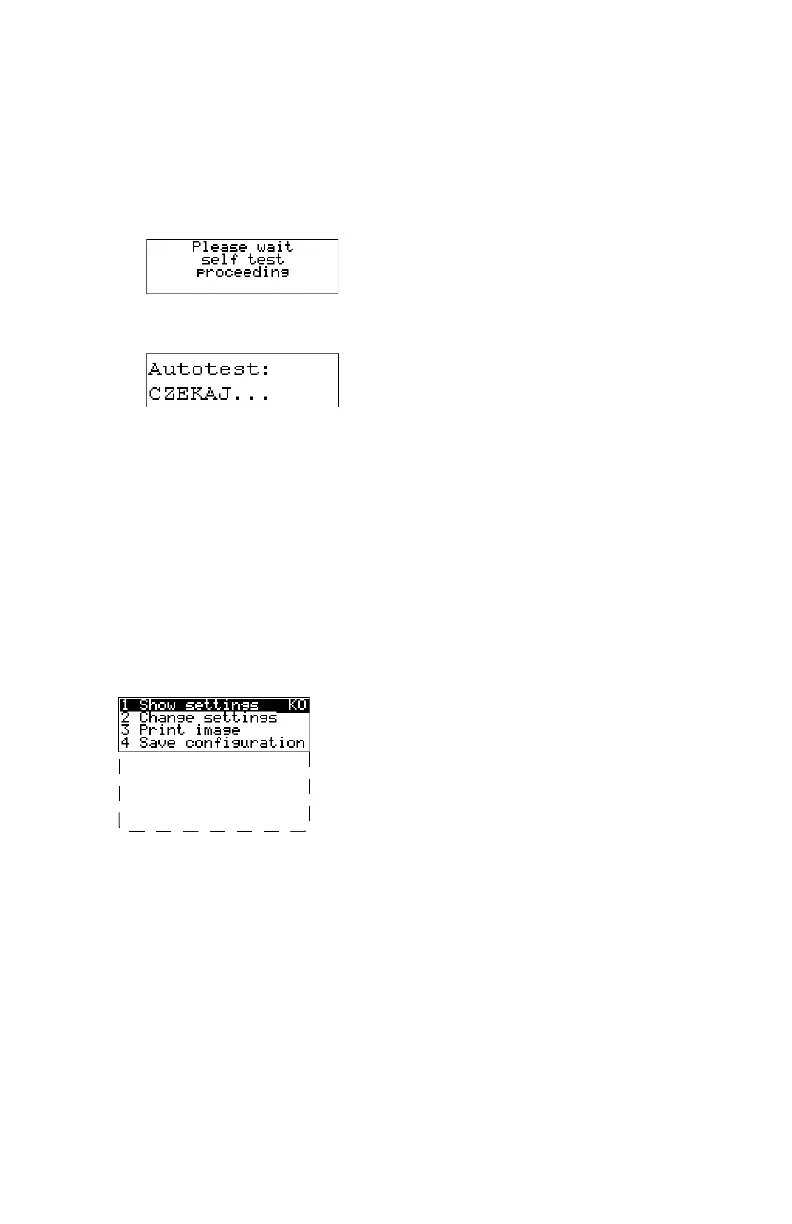
The figure below shows how the display is illustrated in this manual:
5 Restore config.
6 Calibration
7 Service Actions
8 Quality Control
9 Installation
Reachable with Up/Down arrow keys
Visible
The visible display lines are indicated in the upper zone. The other possible
lines are shown in the lower zone and can be reached by scrolling using the
Up/Down arrow keys on the Keypad.
In the upper right corner, the current printer status is displayed:
• In Operator mode, two characters display the print queue status.
• In Key-operator mode, two characters are displayed in reverse video to
indicate the current menu- or submenu level (e.g. ‘KO’ for Key-operator
main level).
• A warning, an error or a maintenance request is displayed respectively
with the character W, E and M.
Related Links
Managing the print queue on page 73
Drystar 5301, Drystar 5302 | Introduction |
65
2831F EN 20210601 1655



 To Next Page