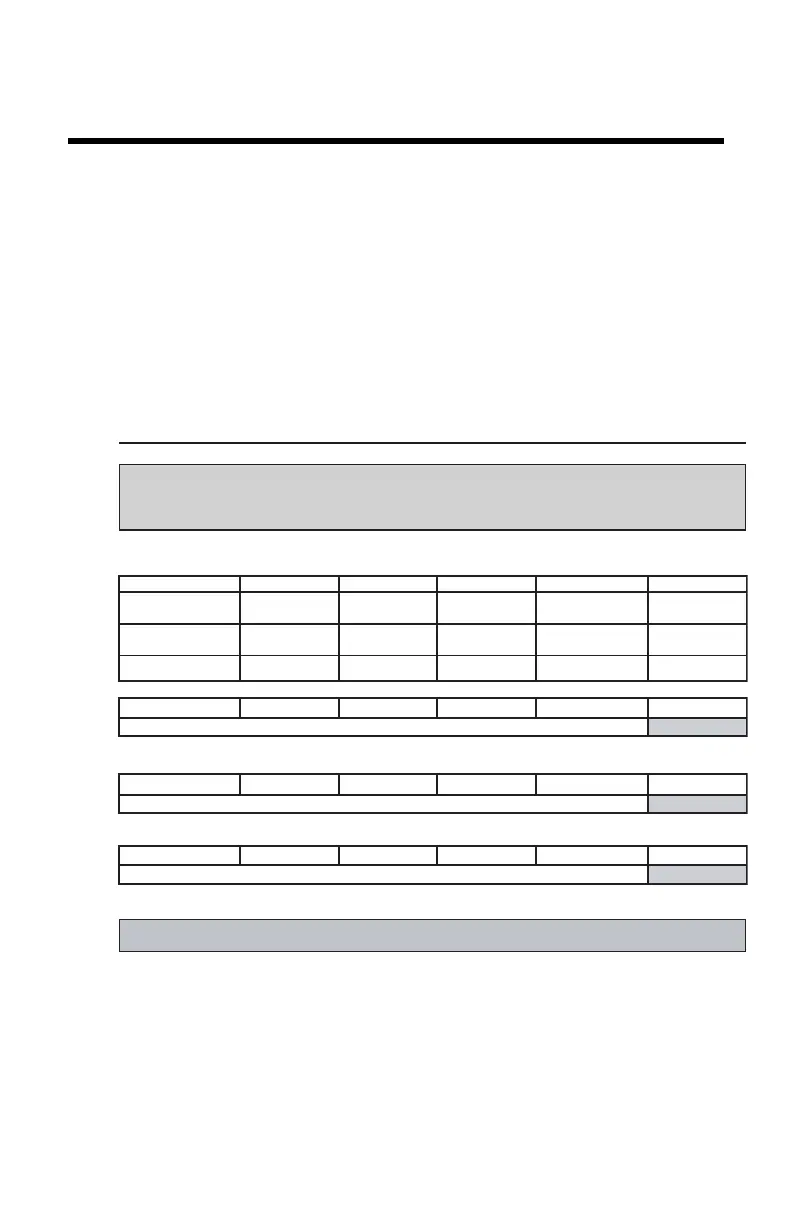
Determination of Operating Levels
Imager Type: __________ Serial #: _________________ Date ____________________
Film Type: ____________ Emulsion #: ______________
Densitometer: ________________ (default selection)
Day 1 Day 2 Day 3 Day 4 Day 5
Month
Day
Initials
Low Density
Average of 5 Values = calculated reference L ow De nsi ty l evel
Mid Density
Average of 5 Values = calculated reference "Mid Density" level
High Density
Average of 5 Values = calculated reference Hi gh De nsi ty l evel
Step 1: Print QC Test images on five consecutive days. Record the optical densities
measurements in the tables below. After five days, average the values to determine
the reference levels for each of the parameters.
Step 2: Copy the calculated reference levels to Charts 2A/B (’Daily Density Control Chart’)
General radiography applications
Input Tray: _______________
Quality Control for Chart 1



 To Next Page