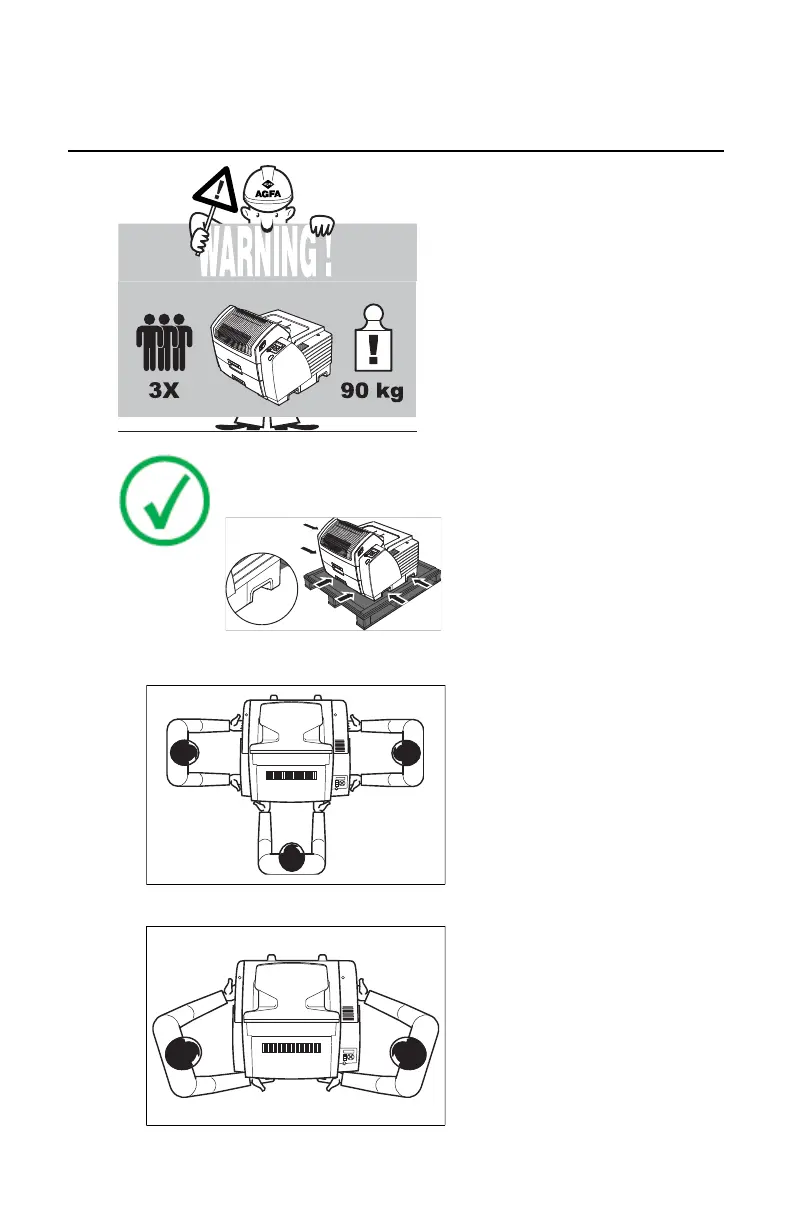
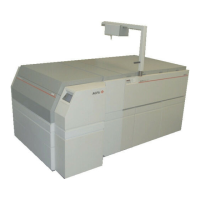
Remove the printer from the pallet
Note:
Locate 2 handles at left, front and right side.
1. Lift printer from pallet with 3 persons.
1 Lift printer from pallet with 3 persons.
3 Put printer on a table. Always put tray
side at front.
2 If only 2 persons are available, lift as
shown below.
2. If only 2 persons are available, lift as shown below.
2 If only 2 persons are available, lift as
shown below.
Drystar 5301, Drystar 5302 | Plug & Play Installation Manual | 133
2831F EN 20210601 1655



 To Next Page