Changing the film format of the trays
The Key-operator can adjust the film size setting of both input trays (8x10” up
to 14x17” film sizes).
First, the Key-operator has to perform a mechanical modification. After this
modification, the ‘film format’ parameter is automatically read from the Film
Identification tag when the new film pack is loaded.
Note: Never load another film format when the input tray is not
empty. Intermediate changing of film formats increases the risk
for dust, which can damage the thermal print head (TPH).
Note: Avoid to mix trays between printers. Incompatibilities in
the tray mechanism may cause damage or failure to detect the
tray. The tray mechanism of printers with serial numbers
starting with 10 or 70 are incompatible with the tray mechanism
of printers with serial numbers starting with 15 or 75.
Note: The system performs an automatic calibration when the
film format has been changed.
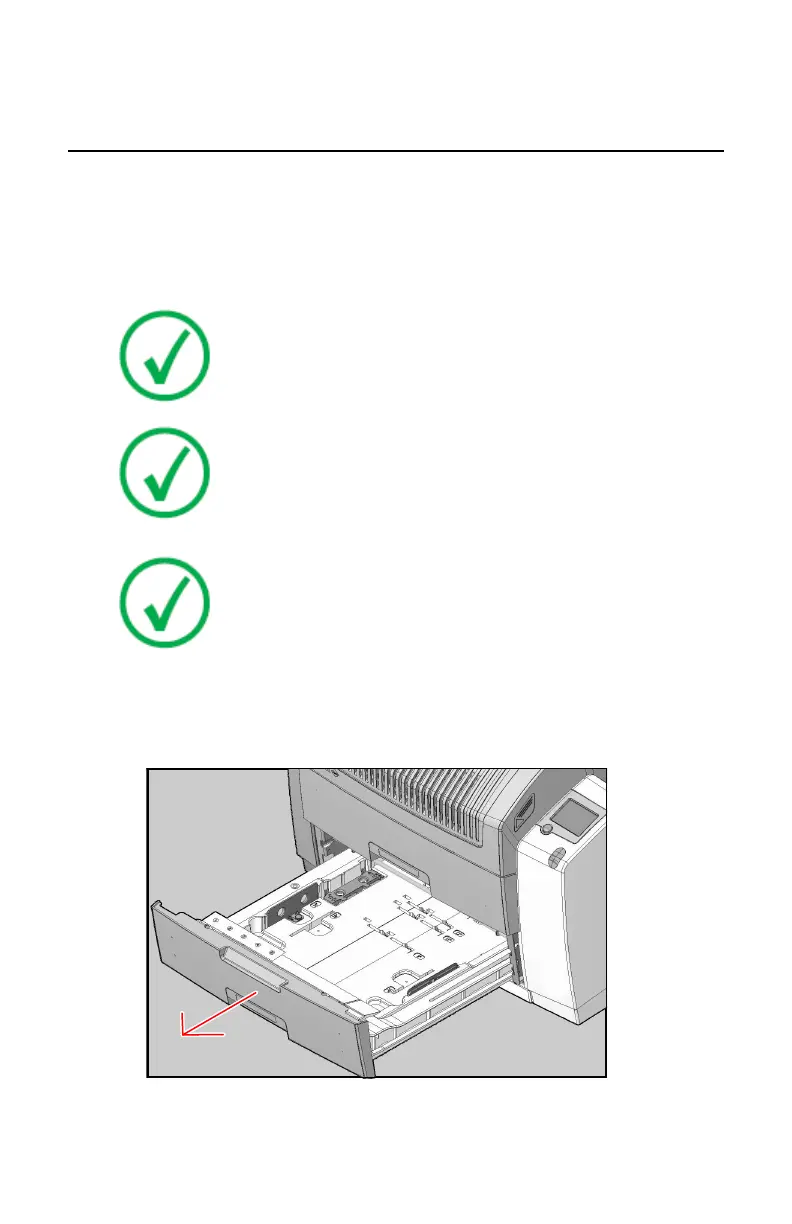
Proceed as follows to perform the mechanical modification:
1. Make sure that the printer is in ‘Ready’ mode.
2. Open the input tray you want to adapt and remove loaded films.
3. Locate the correct tab position for the desired film format.
80 | Drystar 5301, Drystar 5302 | Basic Operation (operator mode)
2831F EN 20210601 1655



 To Next Page