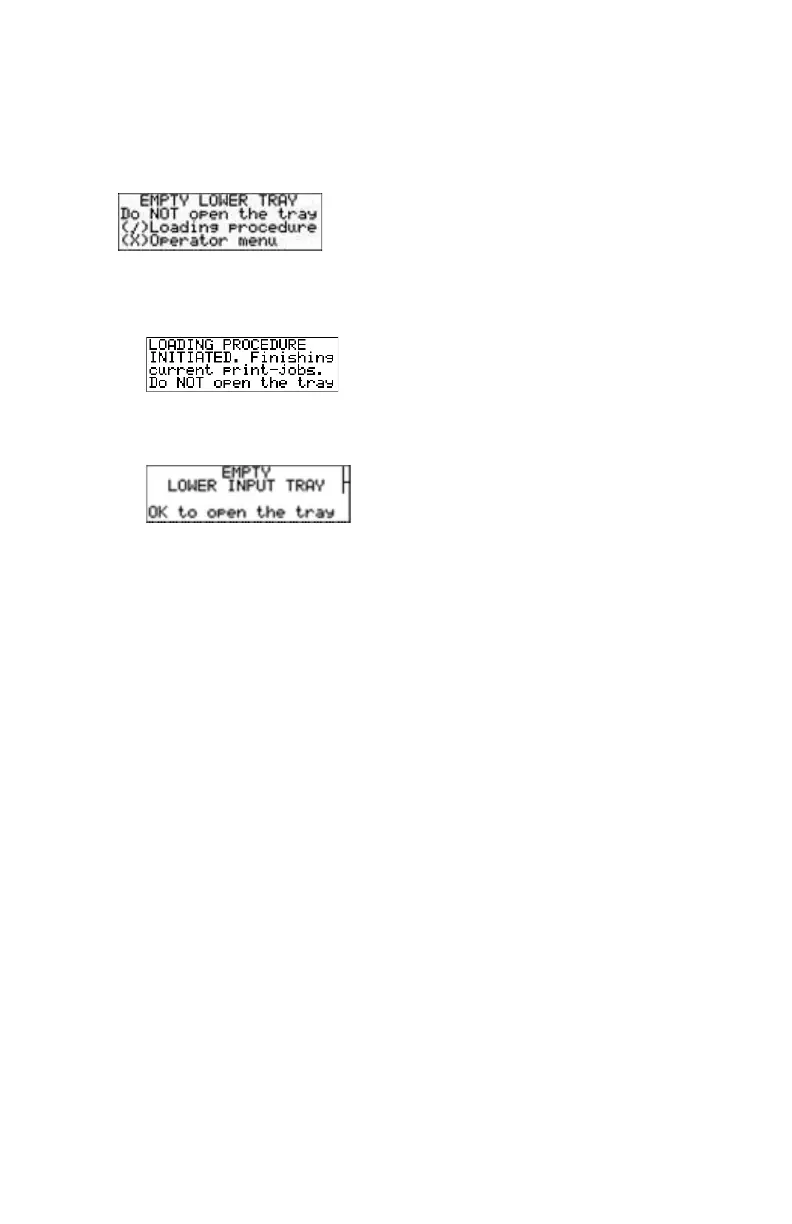
When the printer is printing or calculating and an input tray is
empty
The display shows the following message:
1. Press the Confirm key to start the loading procedure.
The following screen appears when the printer is still printing:
2. Wait while the printer finishes printing any current jobs.
When the film path is cleared, the following screen appears automatically:
3. Open the lower input tray.
4. Load a new film pack.
Related Links
Loading films on page 83
84 | Drystar 5301, Drystar 5302 | Basic Operation (operator mode)
2831F EN 20210601 1655



 To Next Page