Switching on the printer
Note: Before switching on the printer, read the safety
instructions.
Follow the procedure below to ensure proper start-up of the printer and to
check that everything is working correctly.
1. Check that the power cord is plugged in and then switch on the printer by
pressing the Power/Reset button.
A startup screen is displayed on the touchscreen.
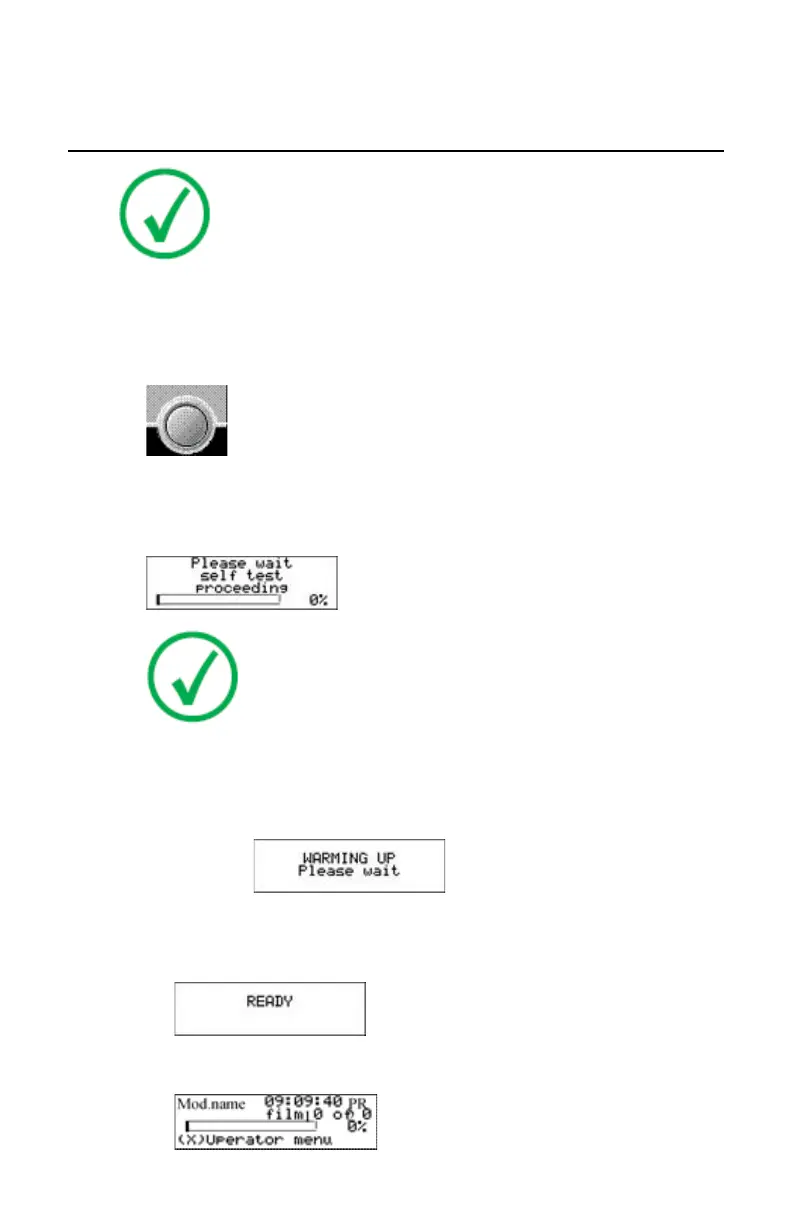
After startup, the following message is displayed. After a short while, a
progress indicator will show the progress of the self-test.
Note:
It takes approximately 9 minutes before the printer can start
printing. After approximately 6 minutes the READY message
appears and from then on you can send print jobs to the
printer, but it will take another five minutes for the printer
head to heat up. When you send print jobs to the printer
during this five minutes, the printer will use that time to
calculate the print job and the display will inform you that
the printer is warming up.
2. The printer is ready for operation:
• If, on the front panel display, the READY message is shown, the status
indicator LED is constantly green.
• If, on the front panel display, the print queue screen is shown, the
status indicator LED is green and blinking.
68 | Drystar 5301, Drystar 5302 | Introduction
2831F EN 20210601 1655



 To Next Page