Film loading procedure
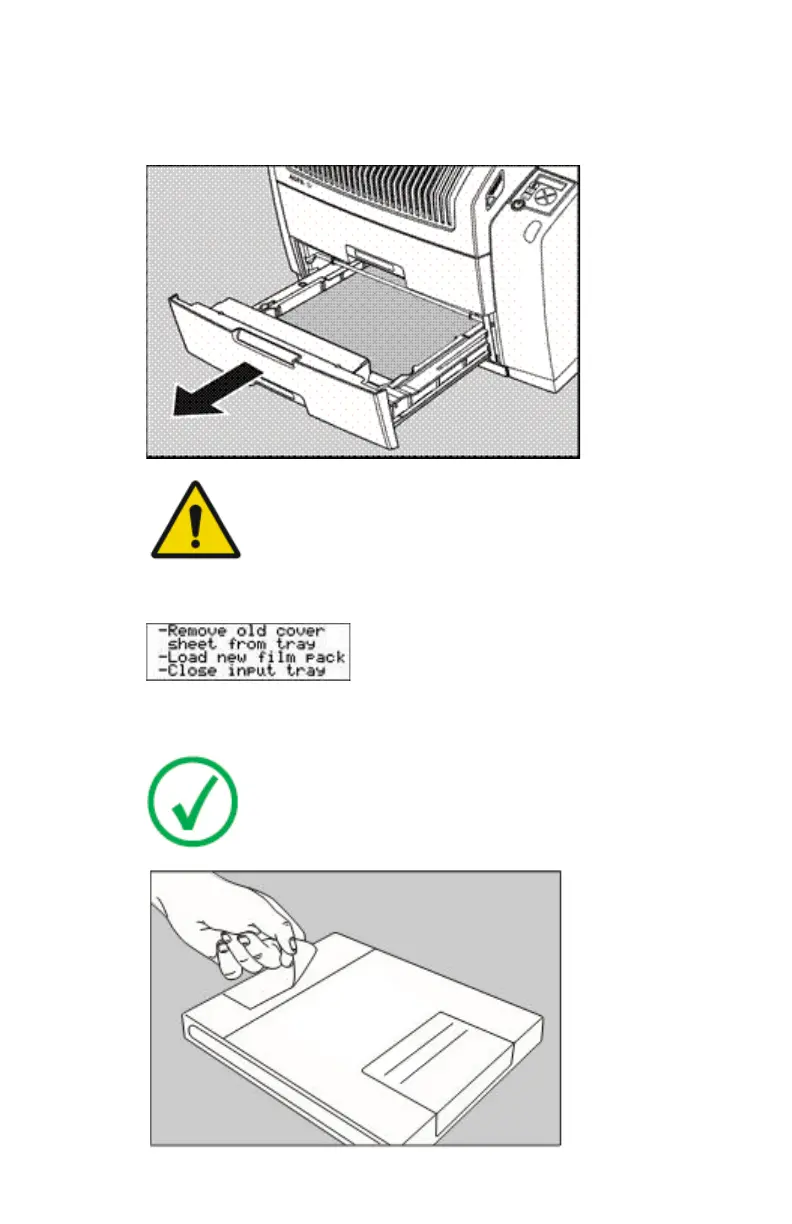
1. Open the empty input tray.
WARNING:
To avoid possible film jams, make sure to open input tray all
the way.
2. The printer is ready to receive a new film when the following message
appears:
3. Remove the white cover sheet.
4. Take film pack, and open it.
Note: Verify that the film type on the film pack corresponds
with the sticker on the tray! If you do use an other film type,
you are advised to change the label on the tray.
86 | Drystar 5301, Drystar 5302 | Basic Operation (operator mode)
2831F EN 20210601 1655



 To Next Page