Startup the printer
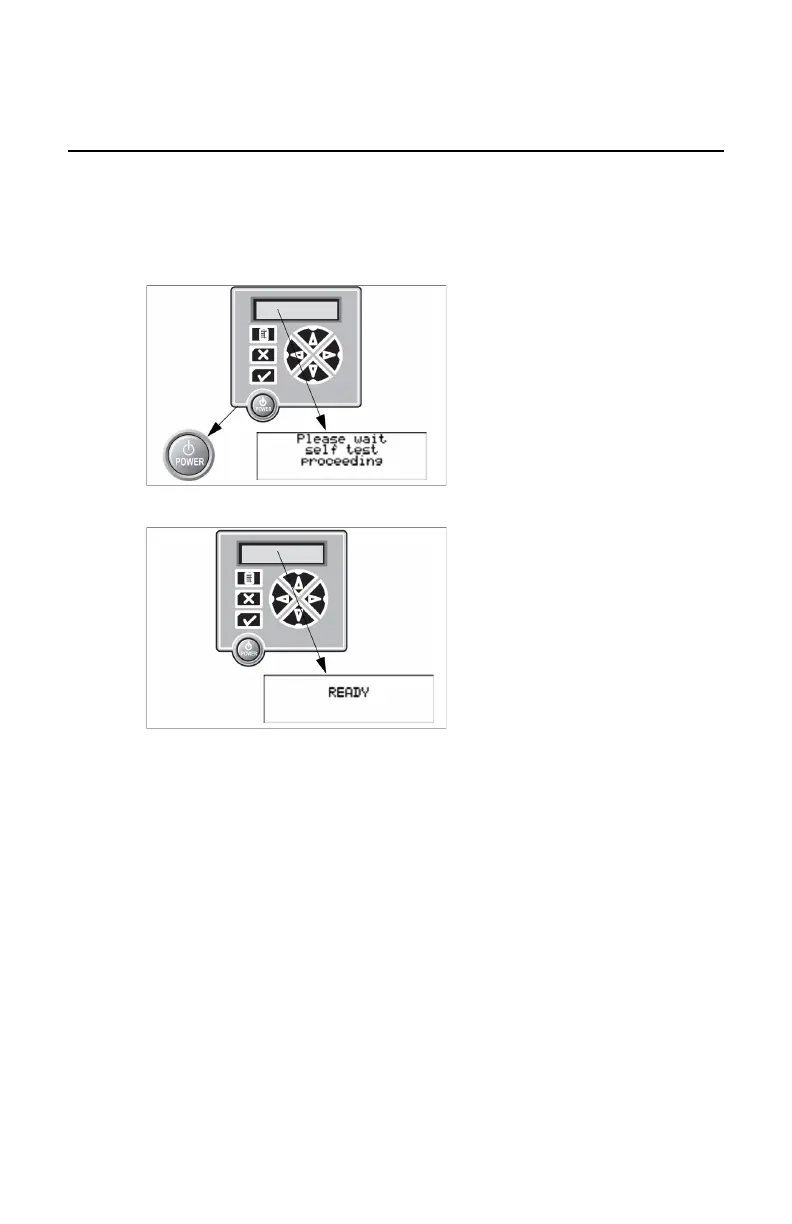
1. Press the POWER button.
A startup screen is displayed on the touchscreen.
After startup, the following message is displayed. After a short while, a
progress indicator will show the progress of the self-test.
2. Wait until READY.
Drystar 5301, Drystar 5302 | Plug & Play Installation Manual | 147
2831F EN 20210601 1655



 To Next Page