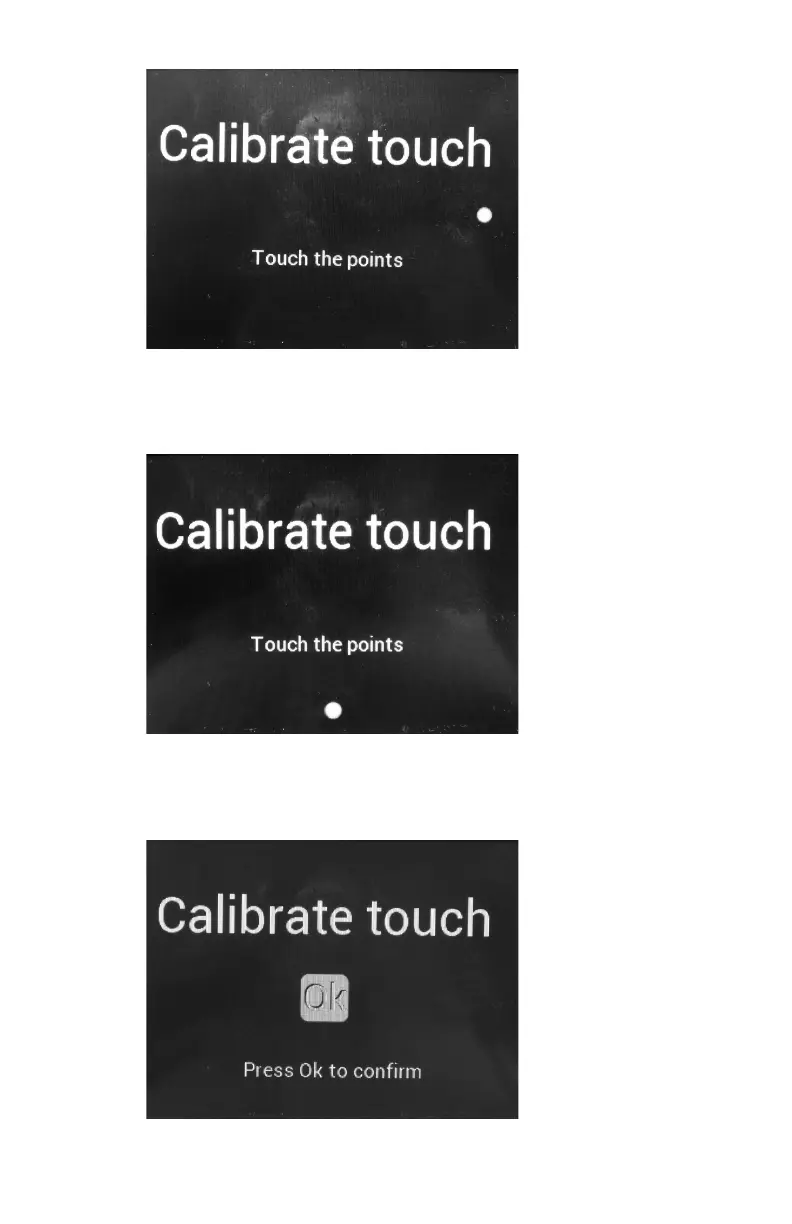
Figure 8: Calibration screen
3. Press the indicated point on the touchscreen as precise as possible.
The third calibration screen is displayed.
Figure 9: Calibration screen
4. Press the indicated point on the touchscreen as precise as possible.
The final calibration screen is displayed.
Figure 10: Calibration screen
Drystar 5301, Drystar 5302 | Preventive maintenance schedule |
113
2831F EN 20210601 1655



 To Next Page