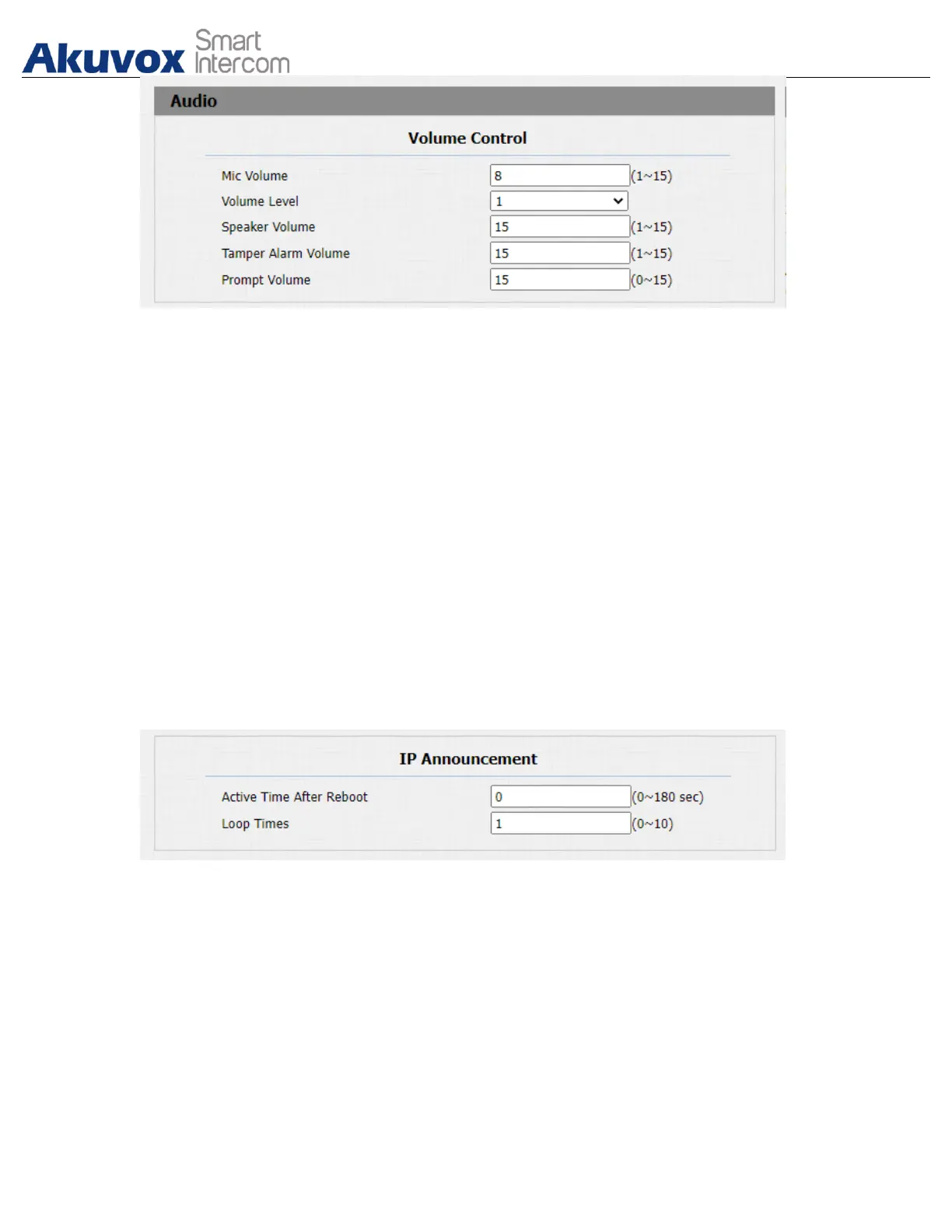
Parameters Set-up:
● Mic Volume: adjust the mic volume as needed.
● Volume level: adjust the volume level as needed.
● Speaker Volume: Adjust the speaker volume as needed.
● Tamp Alarm Volume: Adjust the volume for the tamper alarm.
● Prompt Volume: Adjust the volume for voice prompt.
8.2.IP Announcement
To set up device IP number announcement, navigate to Phone > Audio > IP
announcement.
Parameter Set-up:
● Active Time After Reboot: select IP announcement time after the device
reboot. For example, if you set it as 30 seconds, then you must press the call
button within 30 seconds for the IP announcement after the device is
rebooted, otherwise, the IP announcement will expire. If you set it as “0”
seconds, then you can press the call button any time after the reboot for the
IP announcement.
● Loop Times: set the IP announcement loop times.


 To Next Page
 Loading...









