16.5.3.Configure Input Action
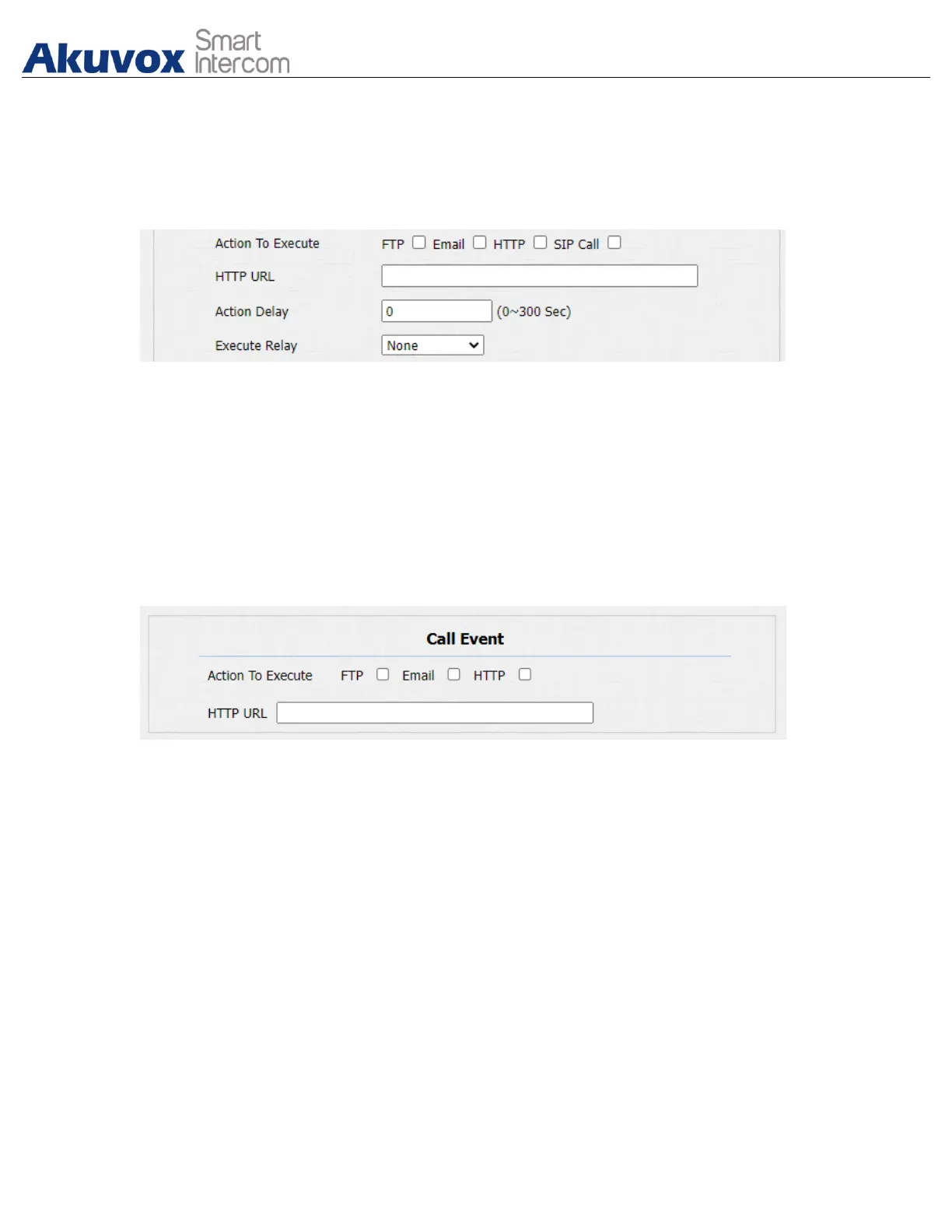
When Input interface is working , it can also trigger an action. You can do this
configuration on web Intercom > Input interface.
Parameter Set-up:
●
Action to execute: to choose which action to execute after triggering.
16.5.4.Call Event Notification
If you want to be notified of the call event (call receiving, answering, etc.)
navigate to Intercom > Basic > Call Event.
Parameter Set-up:
● Action To Execute: select the method to carry out the action among four
options: FTP, Email, HTTP, TFTP.
● HTTP URL: enter the URL if you select the HTTP to carry out the action.
16.6.Voice Encryption
SRTP (Secure Real-time Transport Protocol) is a protocol defined on the basis of



 To Next Page
 Loading...








