Parameter Set-up:
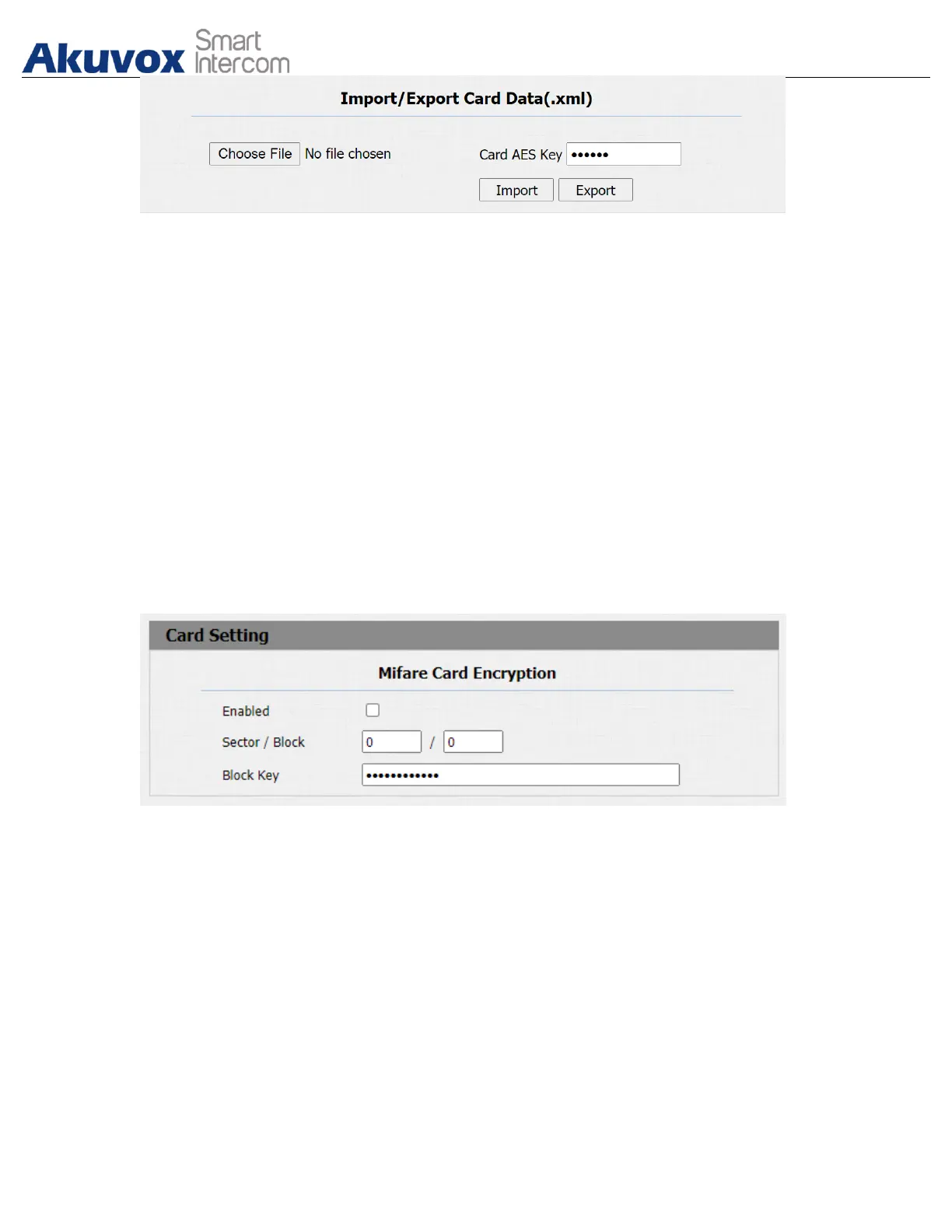
● Card AES Key: enter the AES code before importing the AES-encrypted .xml
file to the door phone.
15.5.Mifare/Defire CarD Encryption
Mifare card and Defire card can be encrypted for greater security. To encrypt the
card, you can navigate to Intercom > Card setting > Mifare/Defire Card
Encryption.
Parameter Set-up:
● Enabled: enable the Mifare/Defire Card Encryption.
● Sector/Block: enter the sector and block that you want the card number to
be written into the Mifare/Defire Card. For example, you can write the card
number into sector 3 and block 3 in the card.
● Block Key: enter the block password for access.
15.5.1.NFC Card Setting


 To Next Page
 Loading...









