Parameter Set-up:
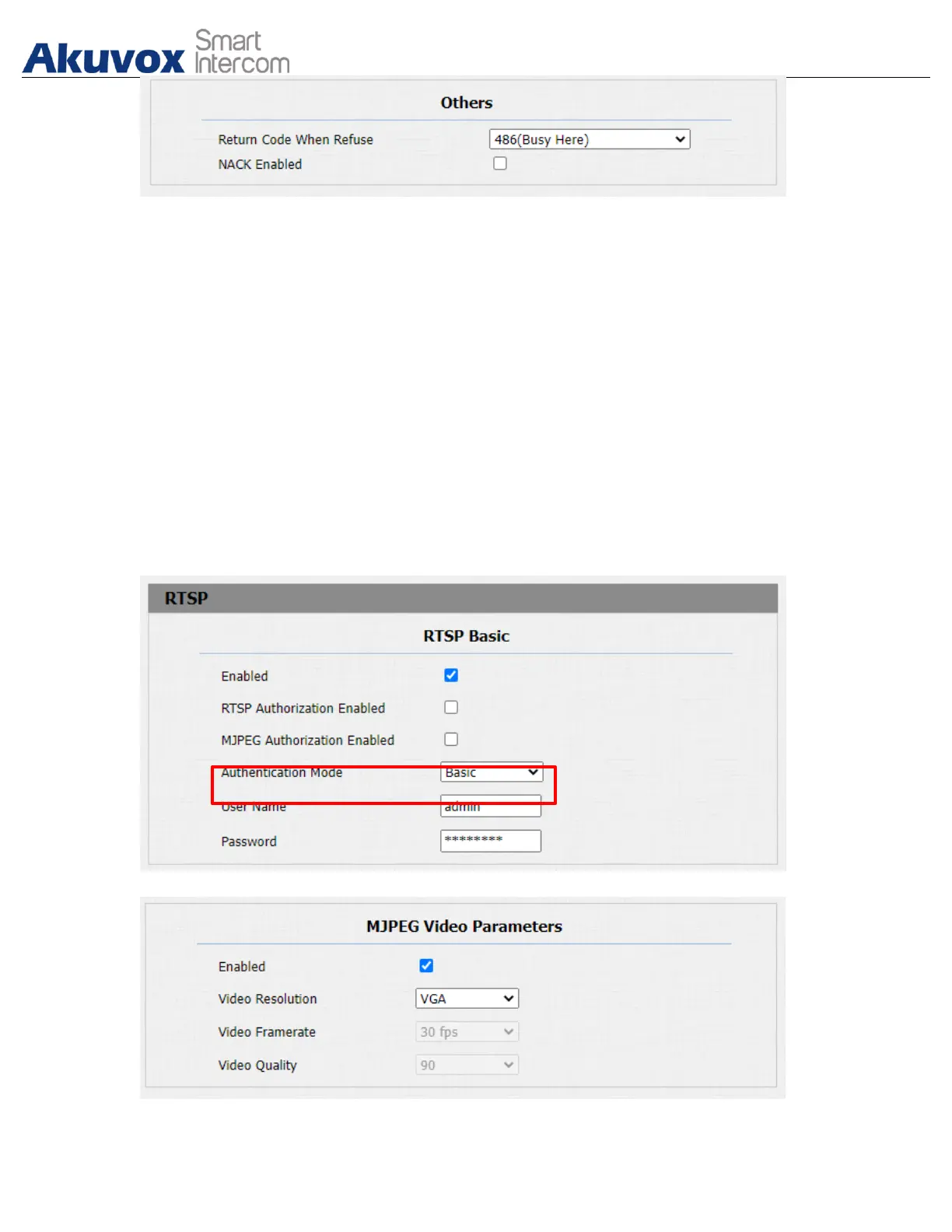
● NACK Enabled: enable the NACK. It can be used to prevent losing data
packet in the weak network environment when discontinued and mosaic
video image occurred.
17.2.MJPEG Image Capturing
Akuvox door phone allow you to capture the Mjpeg format monitoring image if
needed. You can enable the Mjpeg function on Intercom > RTSP > RTSP Basic
and set the image quality on the web Intercom > RTSP > MJPEG Video
Parameters interface.


 To Next Page
 Loading...









