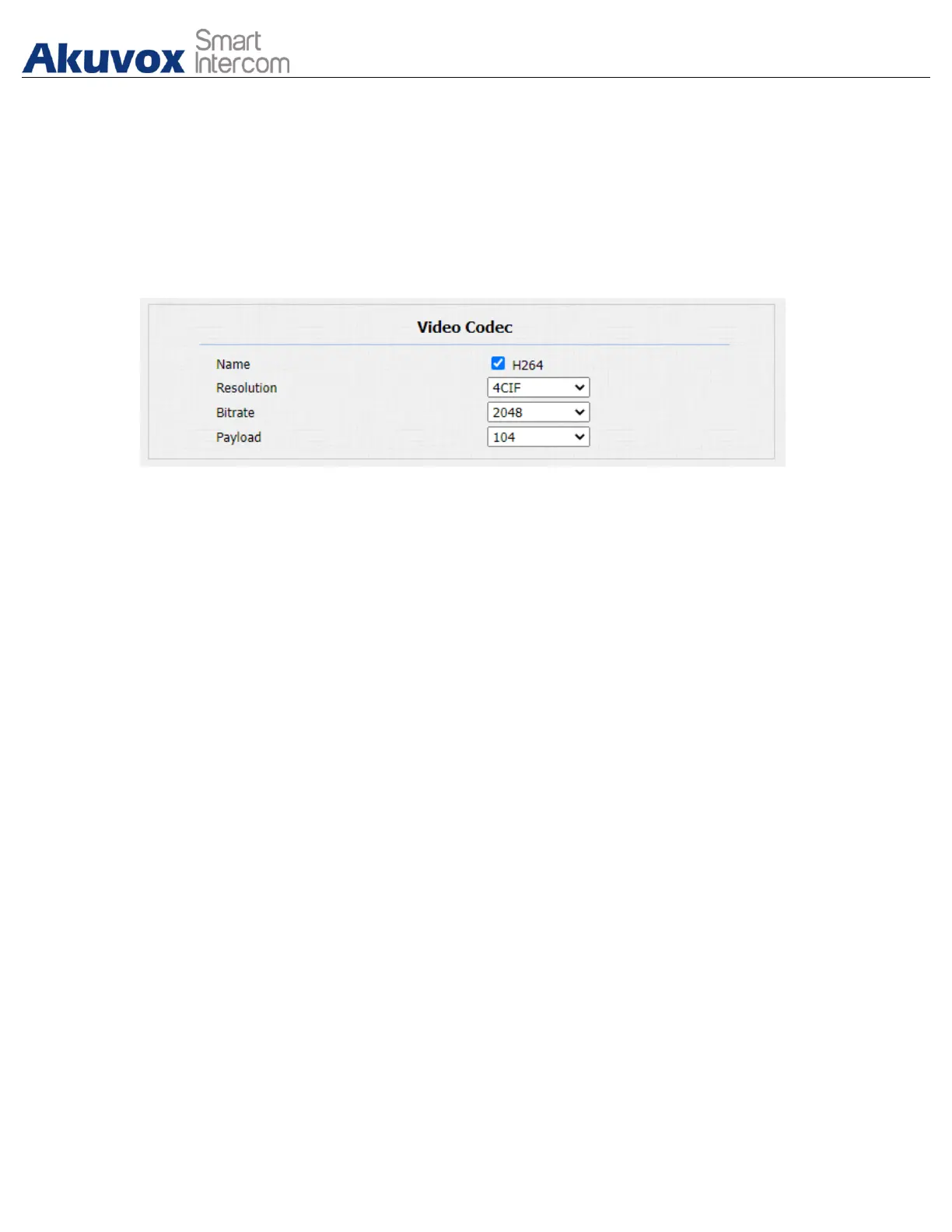
11.2.Video Codec Configuration
Akuvox door phone support H264 codec that provides a better video quality at a
much lower bit rate. To set up video codec on web Account > Advanced
interface.
Parameter Set-up:
● Name: check to select the H264 video codec format for the door phone video
stream. H264 is the video codec by default.
● Resolution: select the code resolution for the video quality among four
options: “QCIF”, “CIF”, “VGA”, “4CIF” and “720P” according to your
actual network environment. The default code resolution is 4CIF.
● Bitrate: select the video stream bit rate (Ranging from 320-2048). The
greater the bitrate, the data transmitted in every second is greater in amount
therefore the video will be clearer. While the default code bitrate is 2048.
● Payload: select the payload type (ranging from 90-118) to configure audio/
video configuration file. The default payload is 104.
11.3.Video Codec Configuration for IP Direct Calls
You can select the IP call video quality by selecting the proper codec resolution
according to your actual network condition. To do so , you can go to Phone >
Call Feature > IP Video Parameters.



 To Next Page
 Loading...








