— 10 —
INSTALLATION
u
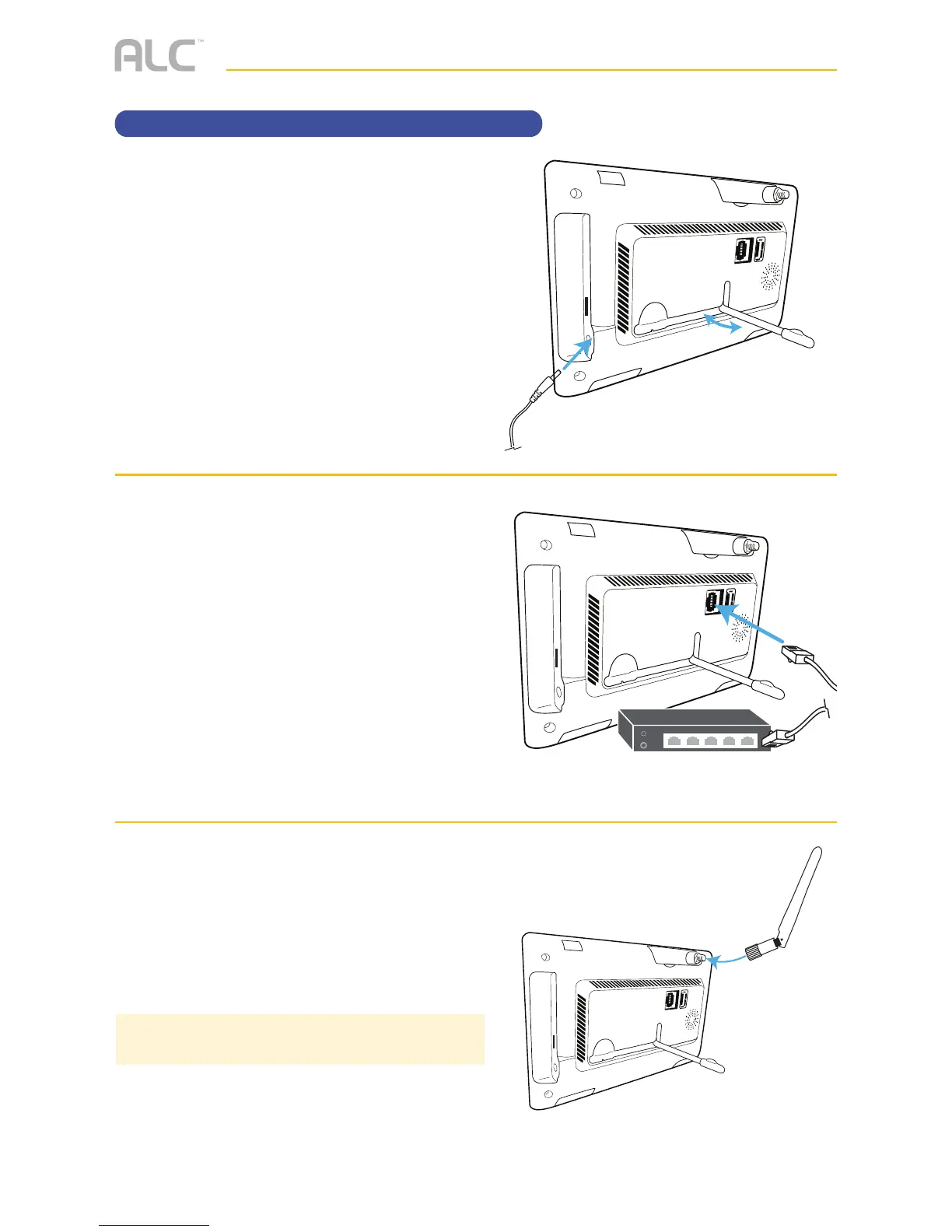
Flip out the stand on the back of the
monitor. Connect the AC adapter to the
Power Jack on the side of the monitor.
v
Connect the internet cable from the rear
of the unit to your router.
w
Screw Antenna (white antenna) clockwise
into rear of camera and put into the
upright position.
Rotate and pull out the stand.
Internet Router (not included)
Setting Up the Monitor
TIP: You can use a USB mouse for easier navigation.



 To Next Page