— 18 —
SYSTEM INTRODUCTION
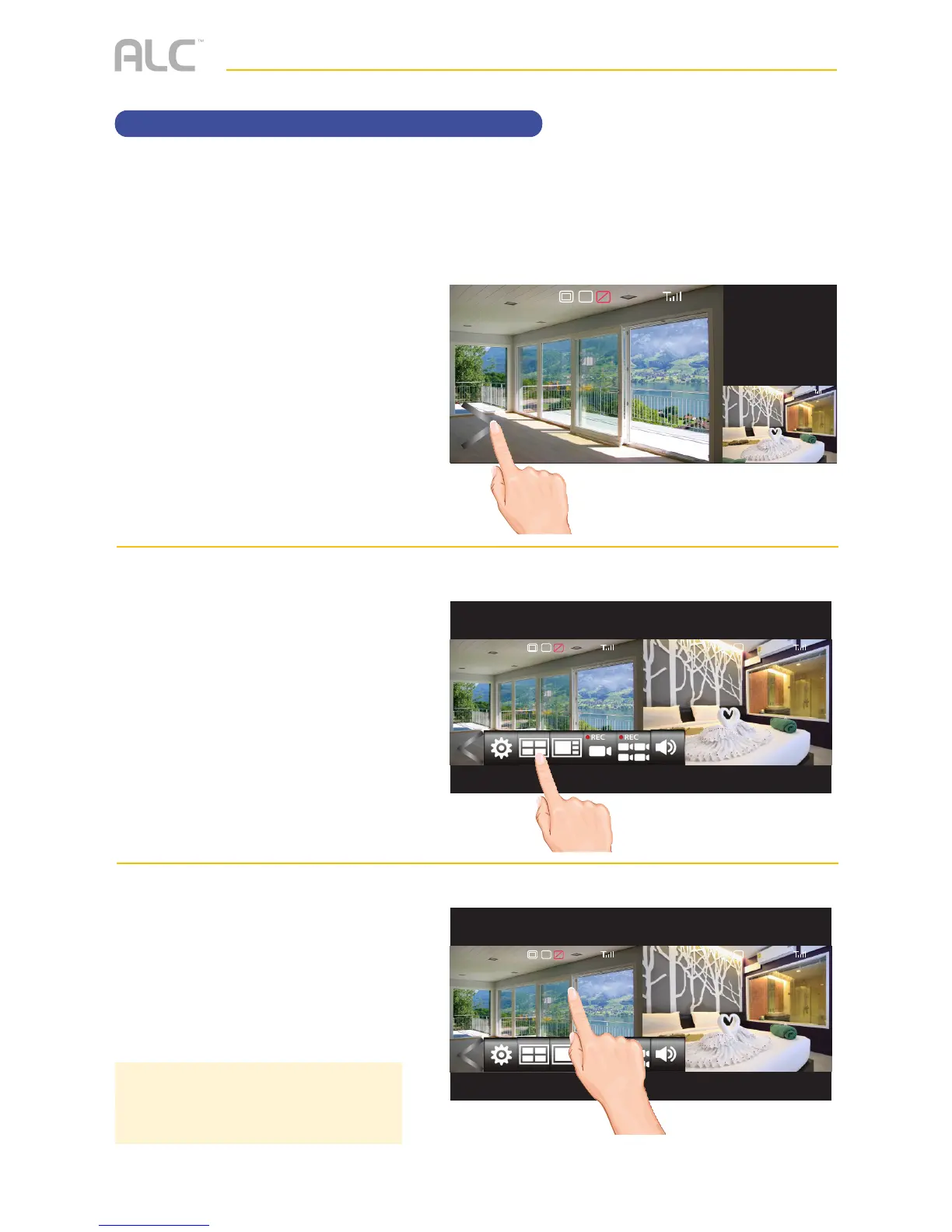
Camera Views
u
Tap on the Open/Close icon to
open the Menu options.
v
Tap the Quad or Smart Quad
icon.
w
The display will change to the
selected Quad camera display.
Tap one of the screens to view
that screen only.
2017/07/05 09 : 34 : 18
V
1080p
C1
SD
2017/07/05 09 : 34 : 18
C1
2017/07/05 09 : 34 : 18
V
1080p 1080p
C1 C1
SD
2017/07/05 09 : 34 : 18
V
1080p 1080p
C1 C1
SD
TIP: If the screen is not tapped within
two minutes, it will revert back to the
Quad display.
To change camera views, perform the following:



 To Next Page