SYSTEM INTRODUCTION
Description of Icons
Icon
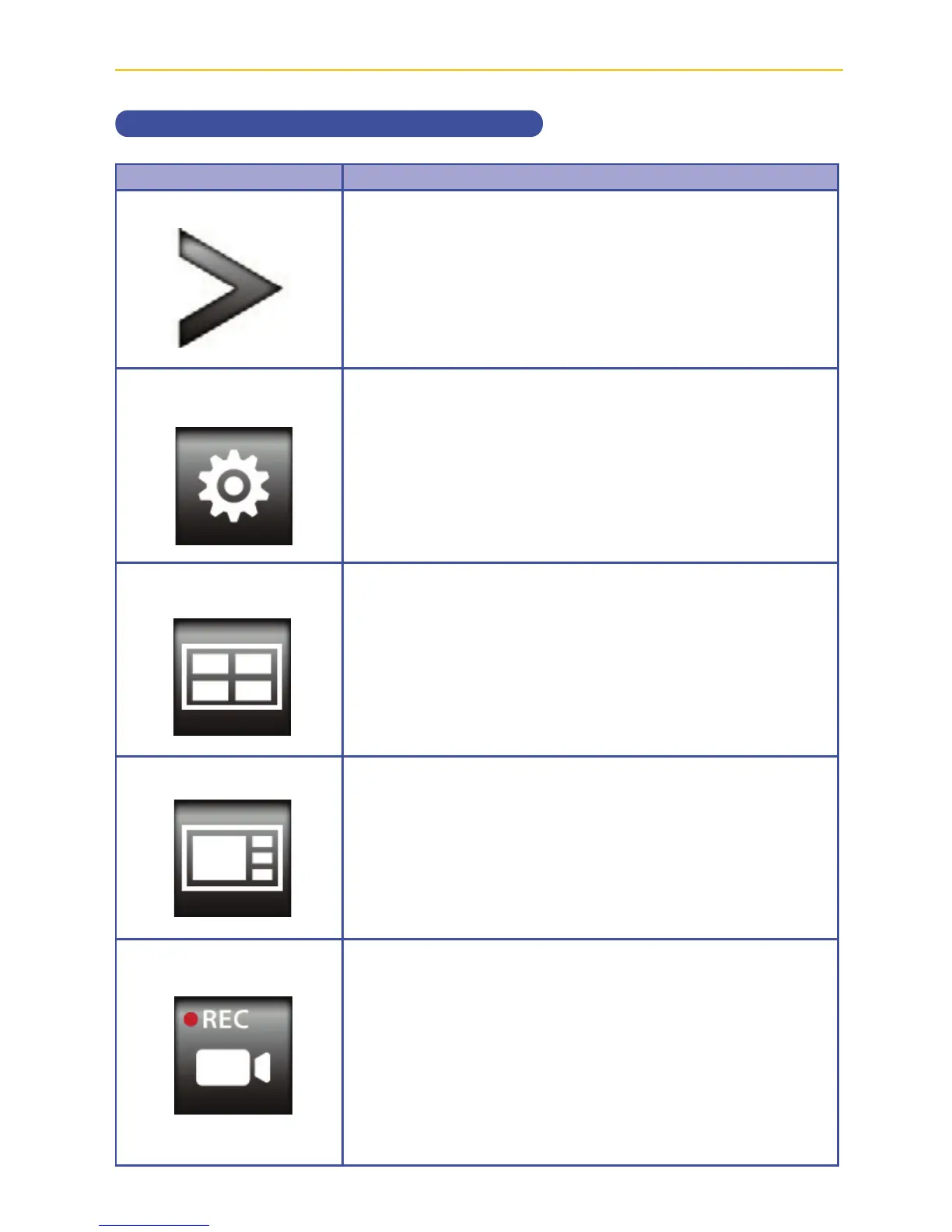
Open
Options
Quad Display
Smart Quad Display
Record One Camera
Icon Description
Tap to open the Settings menu.
Tap to enter the Main Menu, see page 18.
Tap to select Quad Display.
Tap to select Smart Quad Display.
Tap to start recording the selected camera; the Record
icon will appear. Tap again to stop recording.



 To Next Page