— 42 —
MAIN MENU
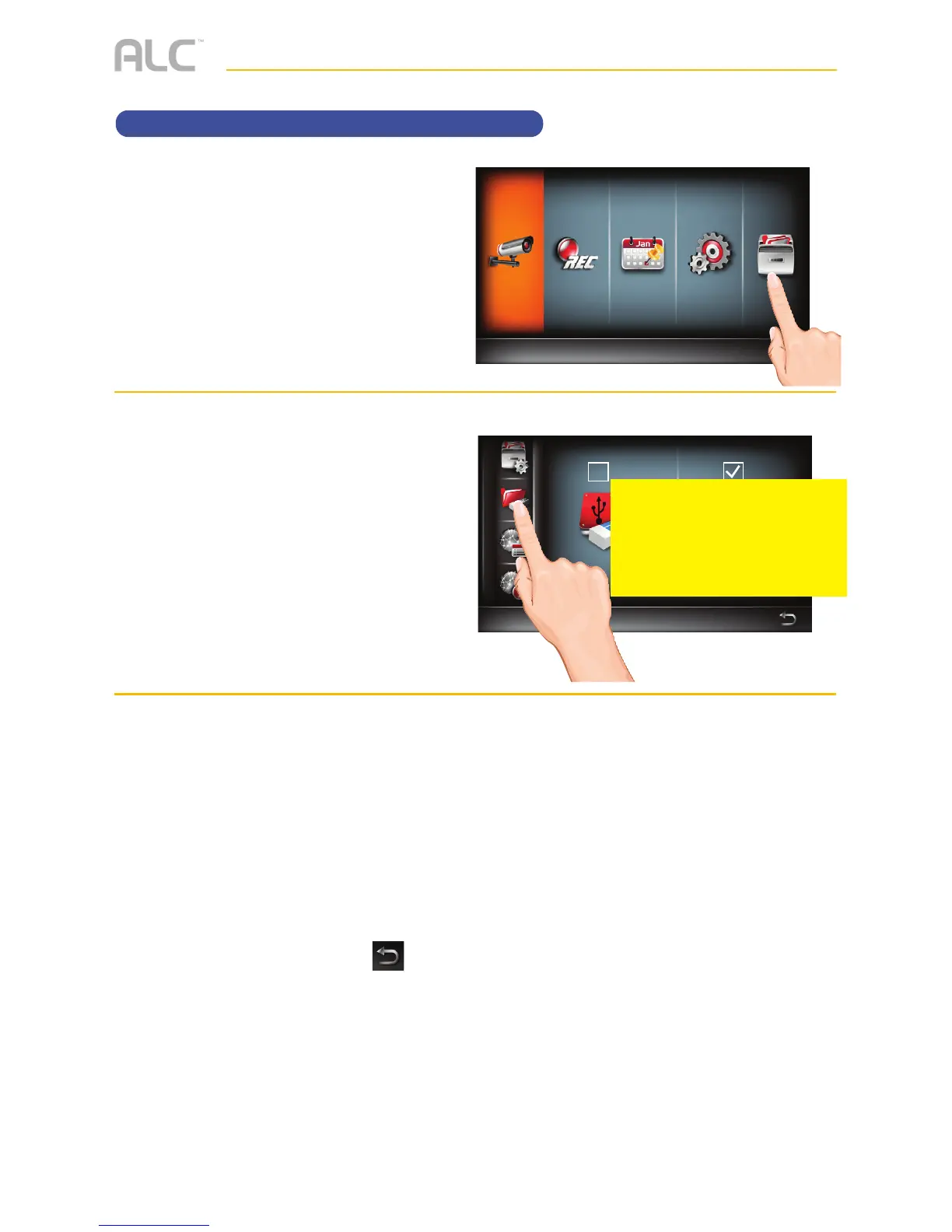
System info and Upgrading
u
Follow steps 1 through 3 on page
21 to access the Main Menu. Tap
Storage Setup icon.
v
Tap the System Info icon.
w
The info on the system will appear.
Tap About to view the Open
Source Software Info.
Tap Upgrade to see if there is a
firmware update and to upgrade
the firmware. This will add features
and/or fix any issues in the
software.
When done setting, tap the
icon to return to the previous
screen.
Storage Status
Select Storage Device for Recording
Main Menu
Camera Setup
PLEASE SEND
CORRECT
DISPLAY



 To Next Page