MAIN MENU
Main Menu
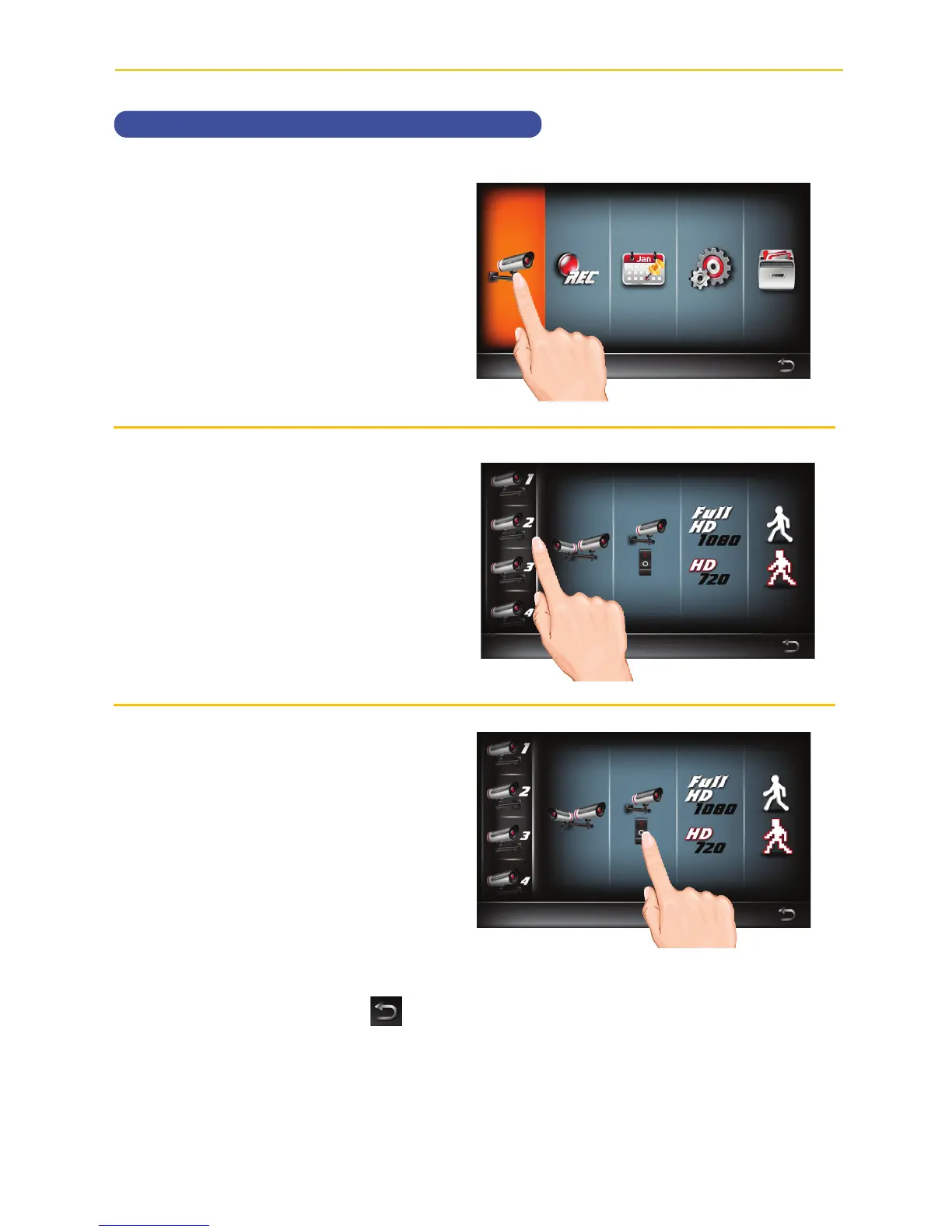
Camera Setup
Turning a Camera On or Off
u
Follow steps 1 through 3 on page
21 to access the Main Menu. Tap
Camera Setup icon to access
the Camera Setup screen.
v
Tap the desired camera that you
want to turn on or off.
w
Repeatedly tap the On/Off icon to
cycle between On or Off.
When done setting, tap the
icon to return to the previous
screen.



 To Next Page