— 38 —
MAIN MENU
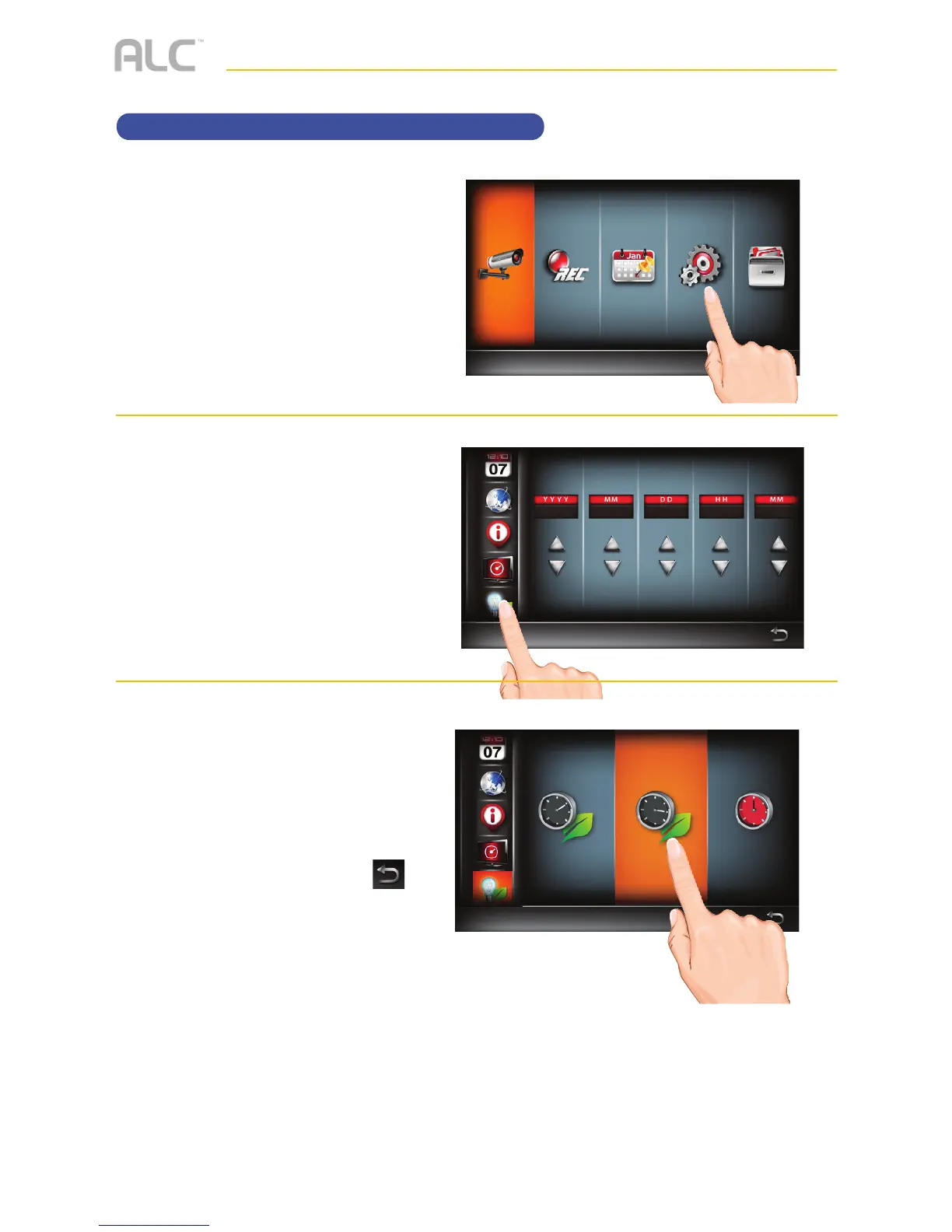
Setting the Power Savings
u
Follow steps 1 through 3 on page
21 to access the Main Menu. Tap
System Setup icon to access
the System screen.
v
Tap the Power Saving Setup
icon.
w
Tap the desired time for which the
display will remain on when idle, 5
minutes, 10 minutes or Always On.
When done setting, tap the
icon to return to the previous
screen.



 To Next Page