MAIN MENU
Main Menu
Camera Setup
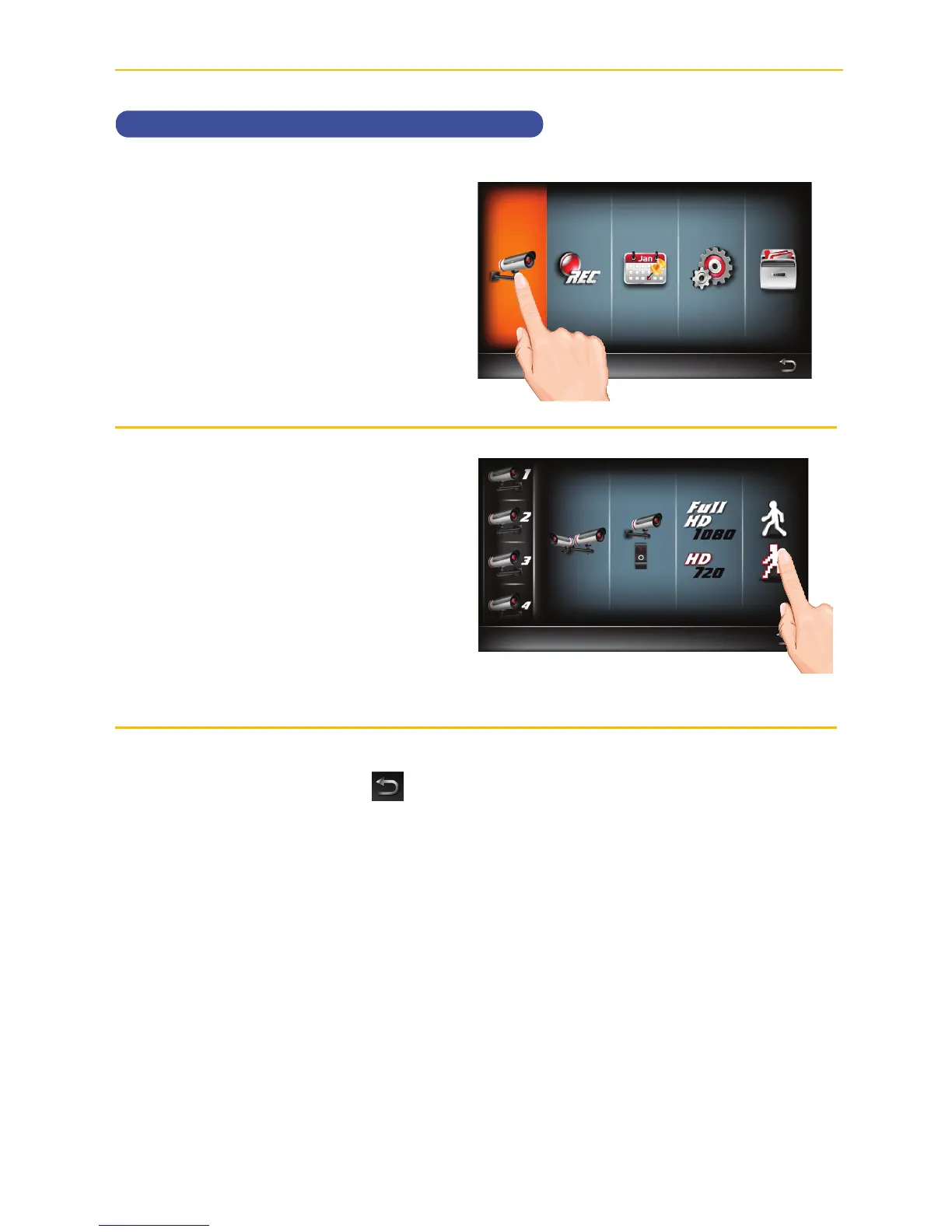
Setting the Image Quality
u
Follow steps 1 through 3 on page
21 to access the Main Menu. Tap
Camera Setup icon to access
the Camera Setup screen.
v
Tap the Image Quality icon
repeatedly to change it from High
to Low. High quality will produce
a better video display quality, but
the system will lower the display
frame rate as compensation.
Lower quality will produce a
better display frame rate,but the
system will lower the quality as
compensation.
When done setting, tap the
icon to return to the previous
screen.



 To Next Page